Know what’s ready.
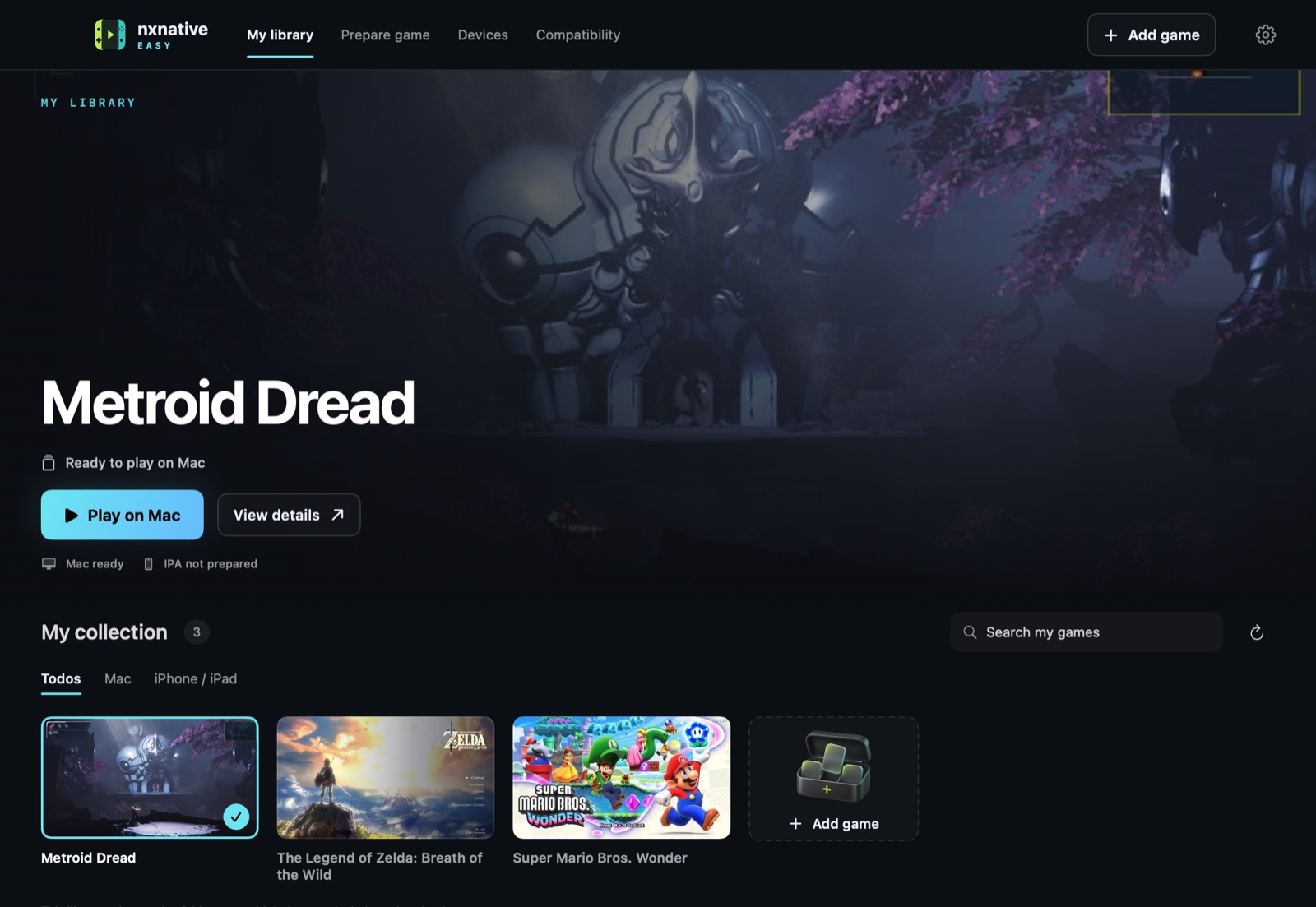
See your Mac apps, prepared IPAs and verified installations on your connected devices.
 nxnative Easy
That world you love. Now on the screen you choose. Prepare your own Switch games for Apple hardware, with one beautifully simple app.
Free download · Apple silicon · macOS 26.6+
LESS SETUP. MORE PLAY.
Your games, their versions and where you play them. A proper library that keeps the whole picture in view.
See your Mac apps, prepared IPAs and verified installations on your connected devices.
Move, resize and fade touch buttons. Keep four named layouts per game, or connect your Xbox, PS5 or PS4 controller.
Your saves stay on your device. Export them for a backup or share them manually. No Apple sign-in needed to export.
FIND YOUR NEXT PLAYTHROUGH
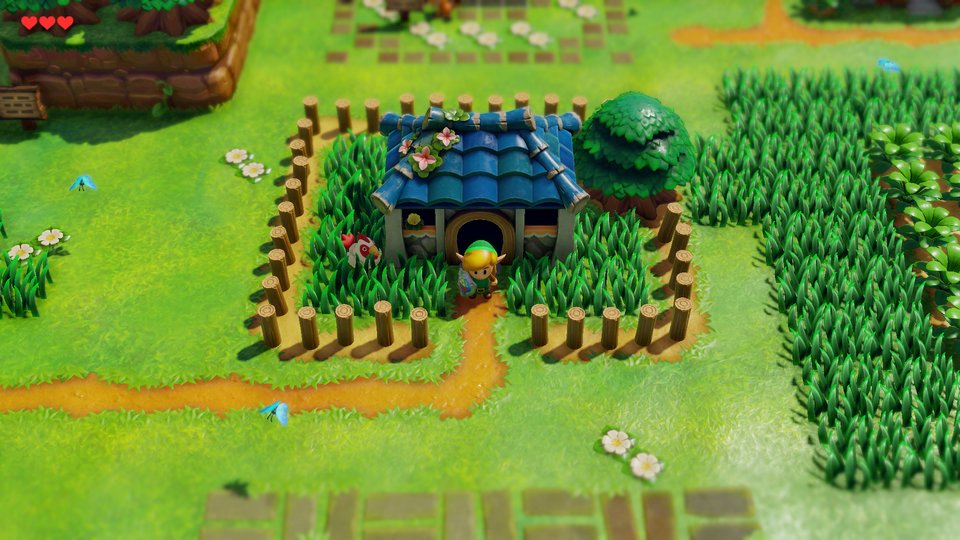
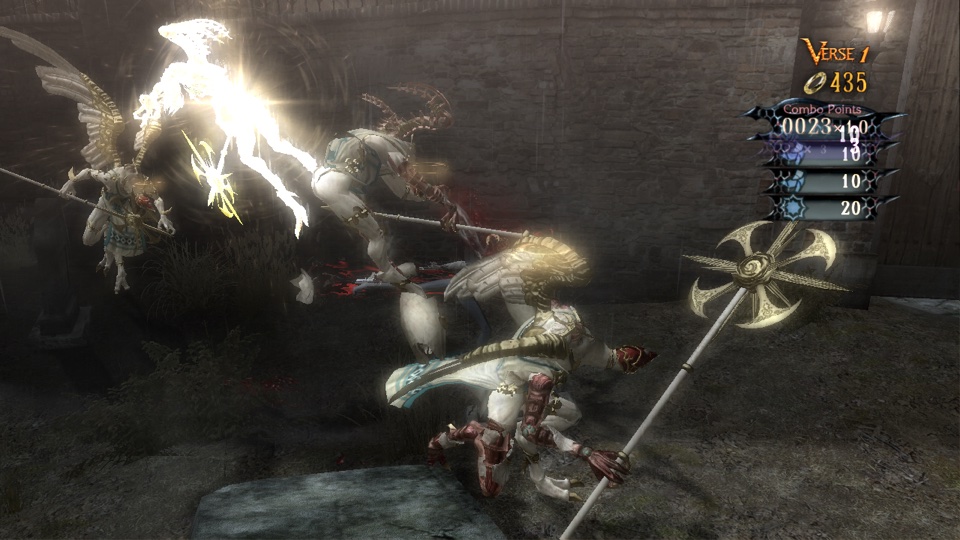
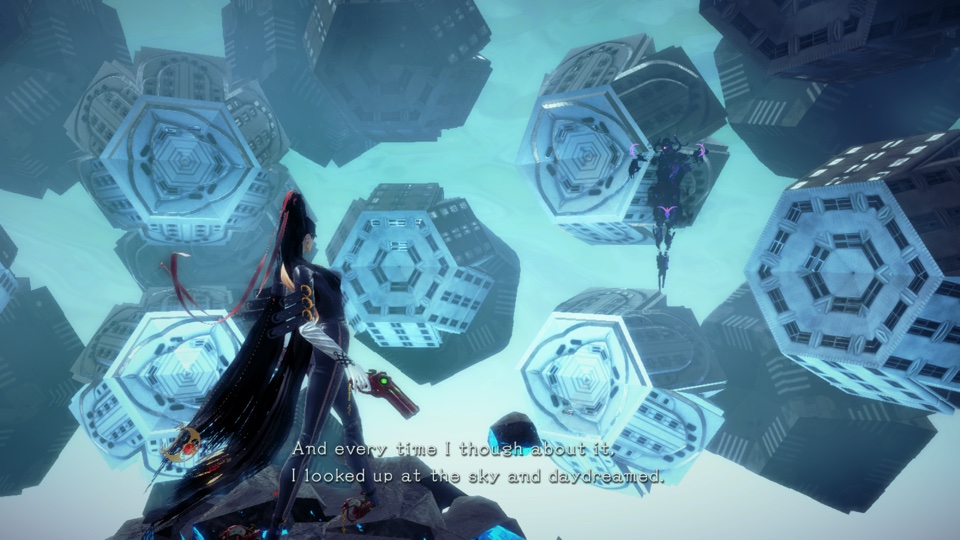
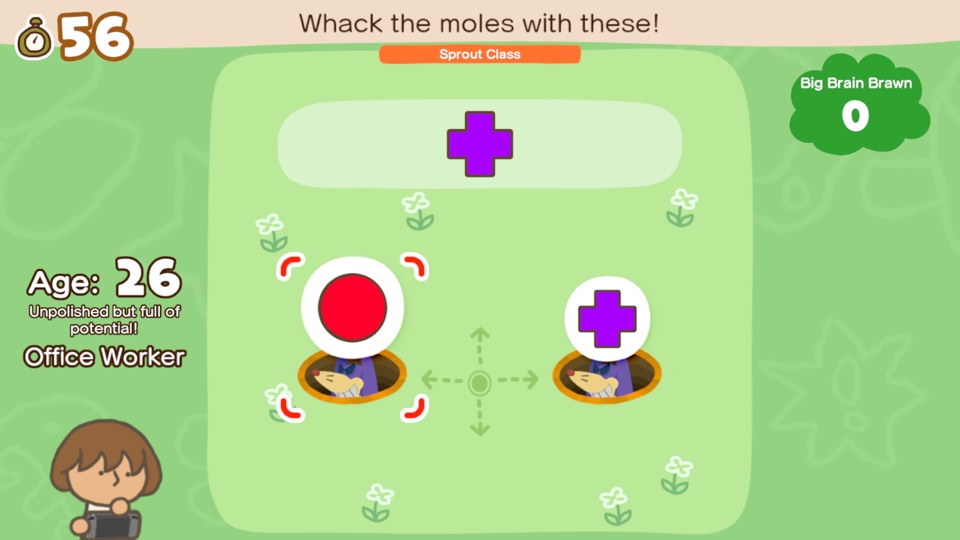
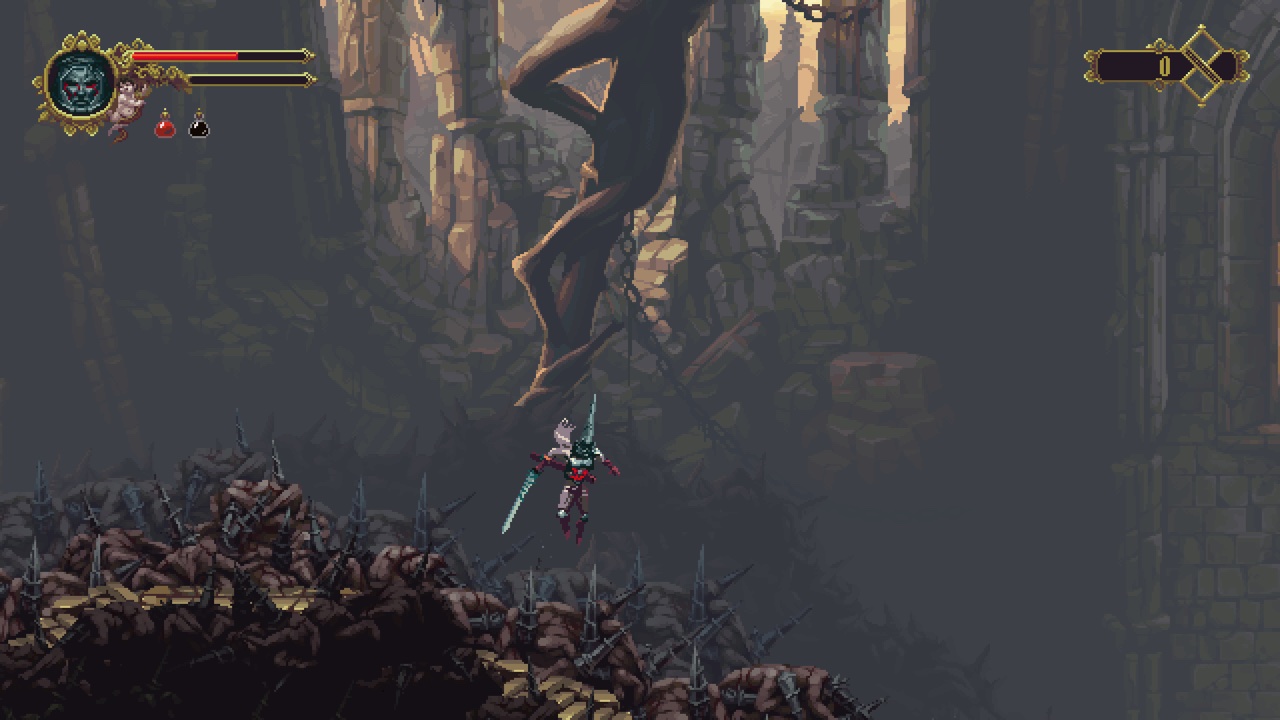
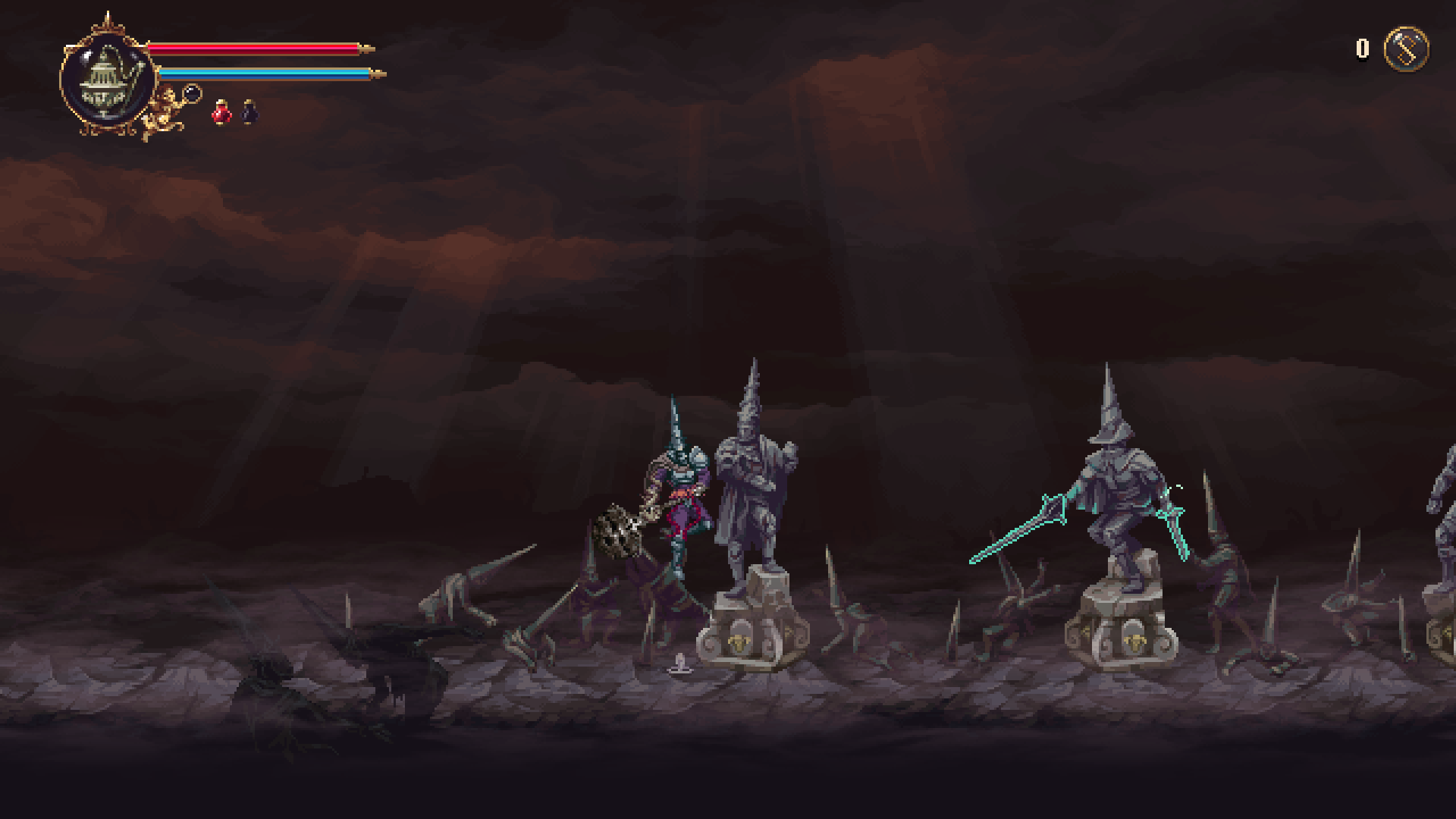
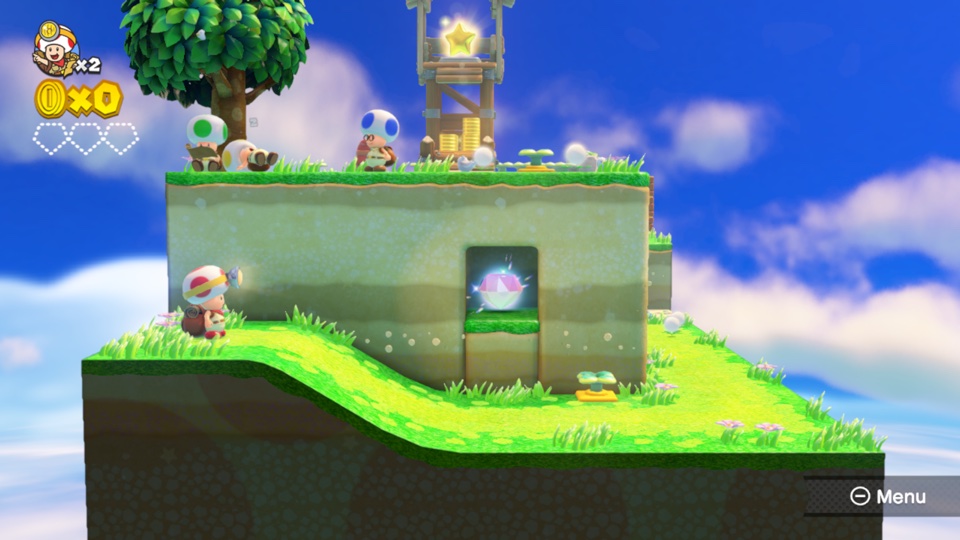
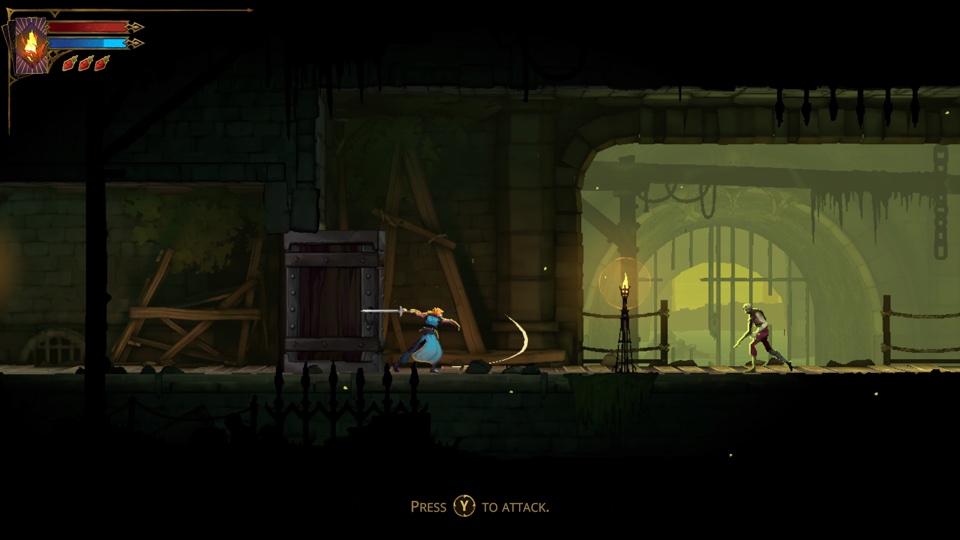
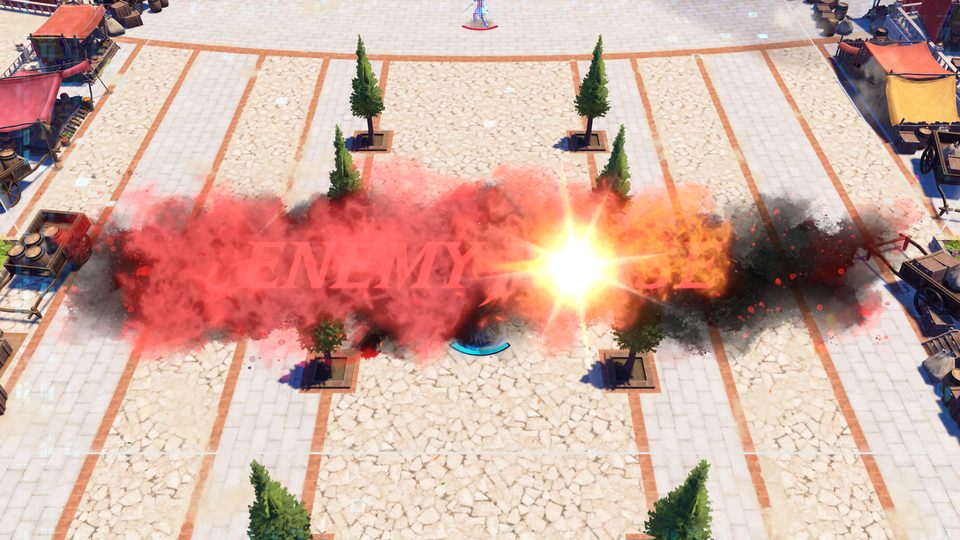
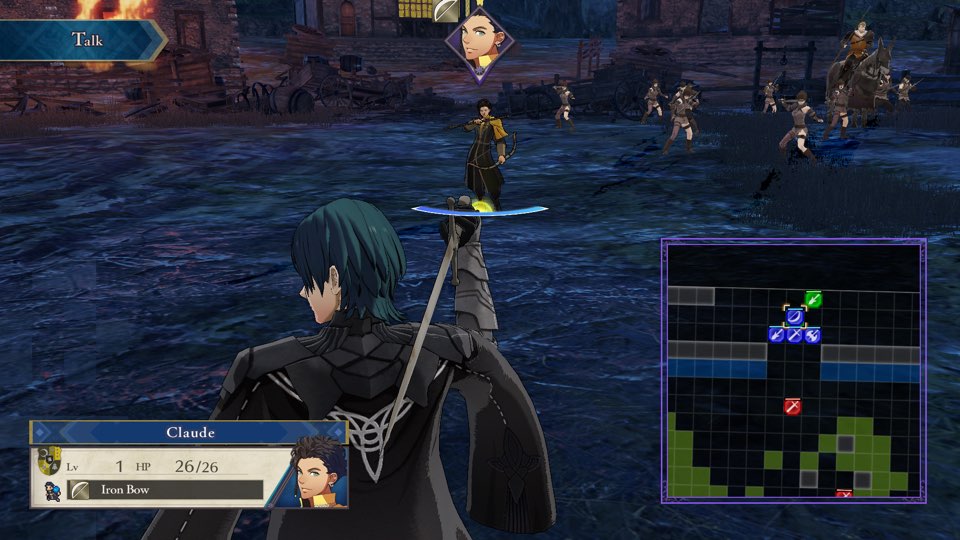
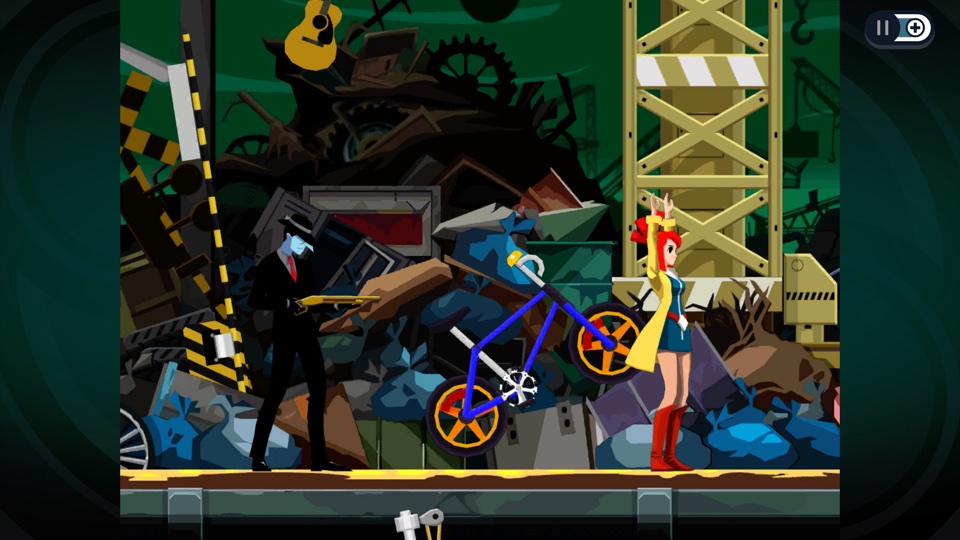
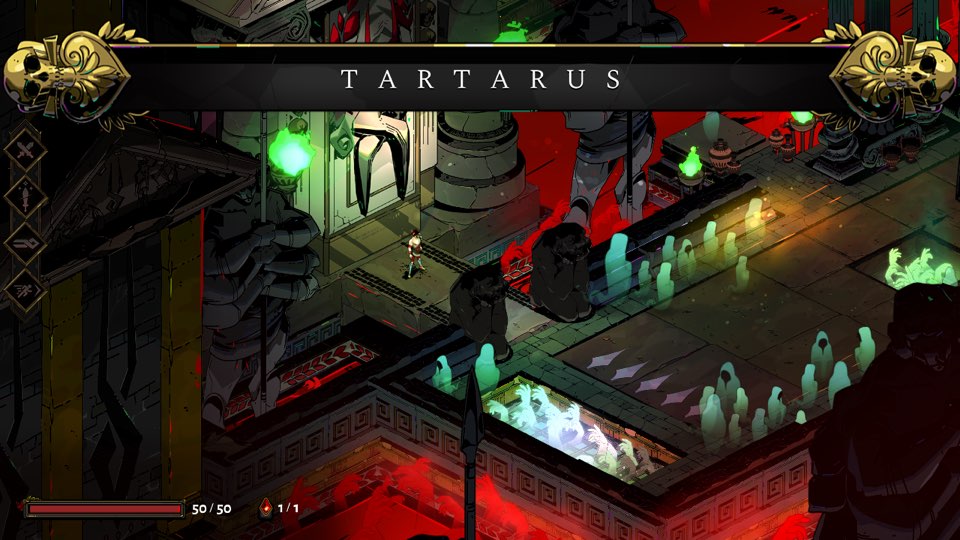
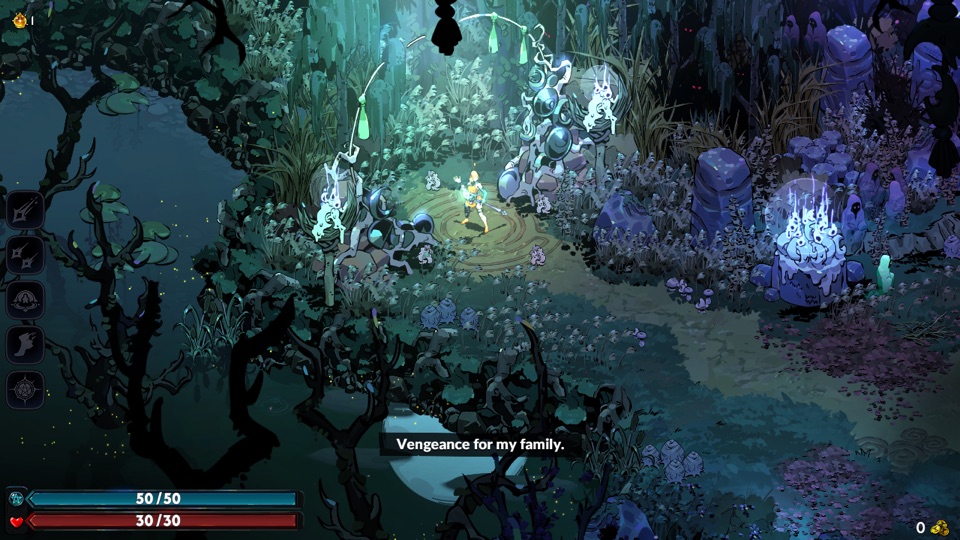
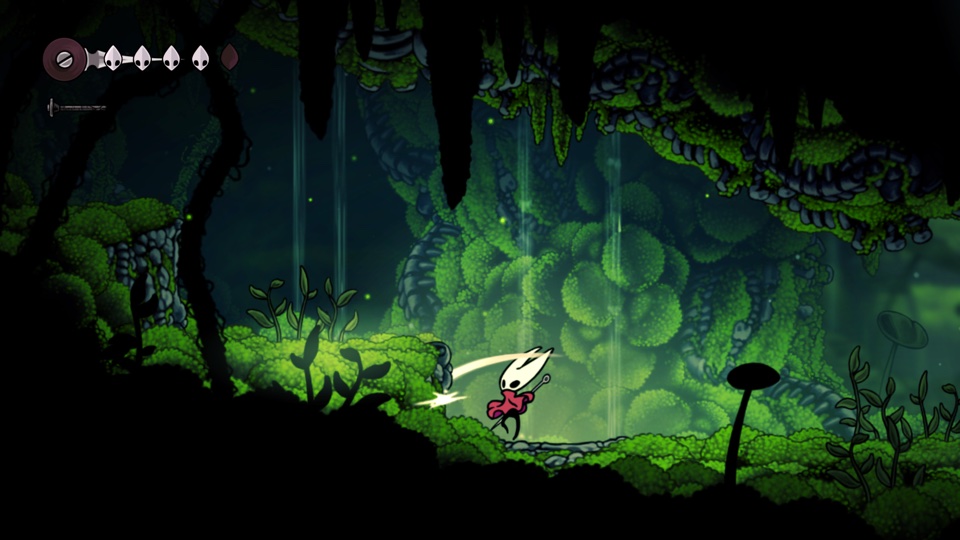
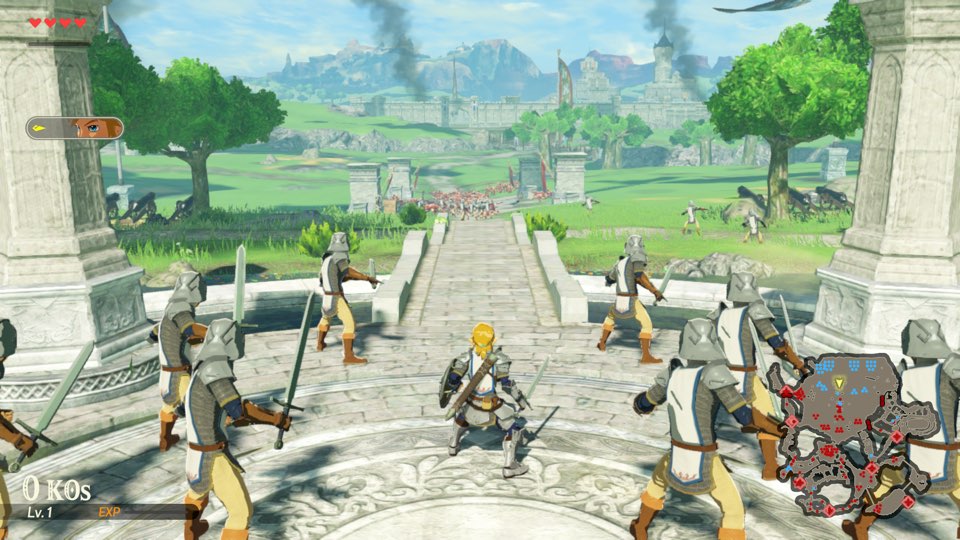
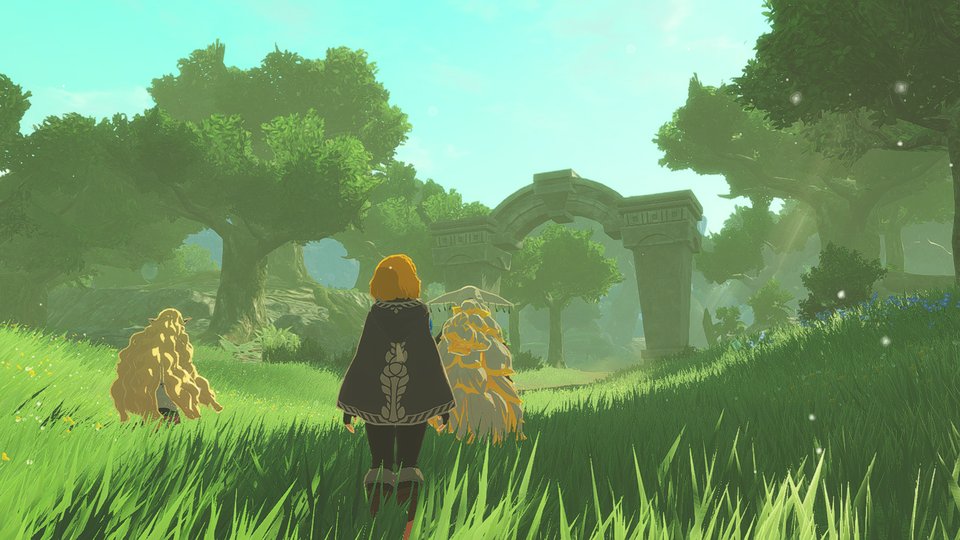
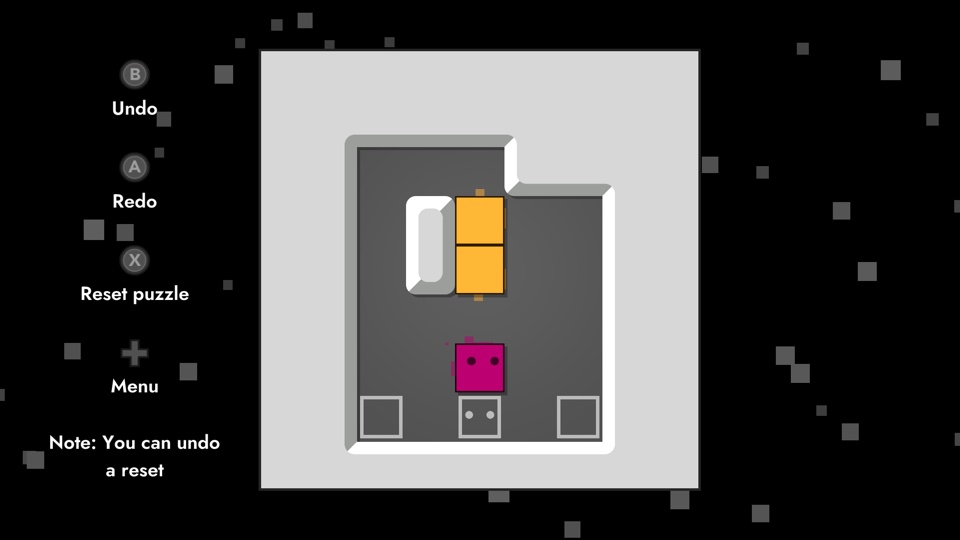
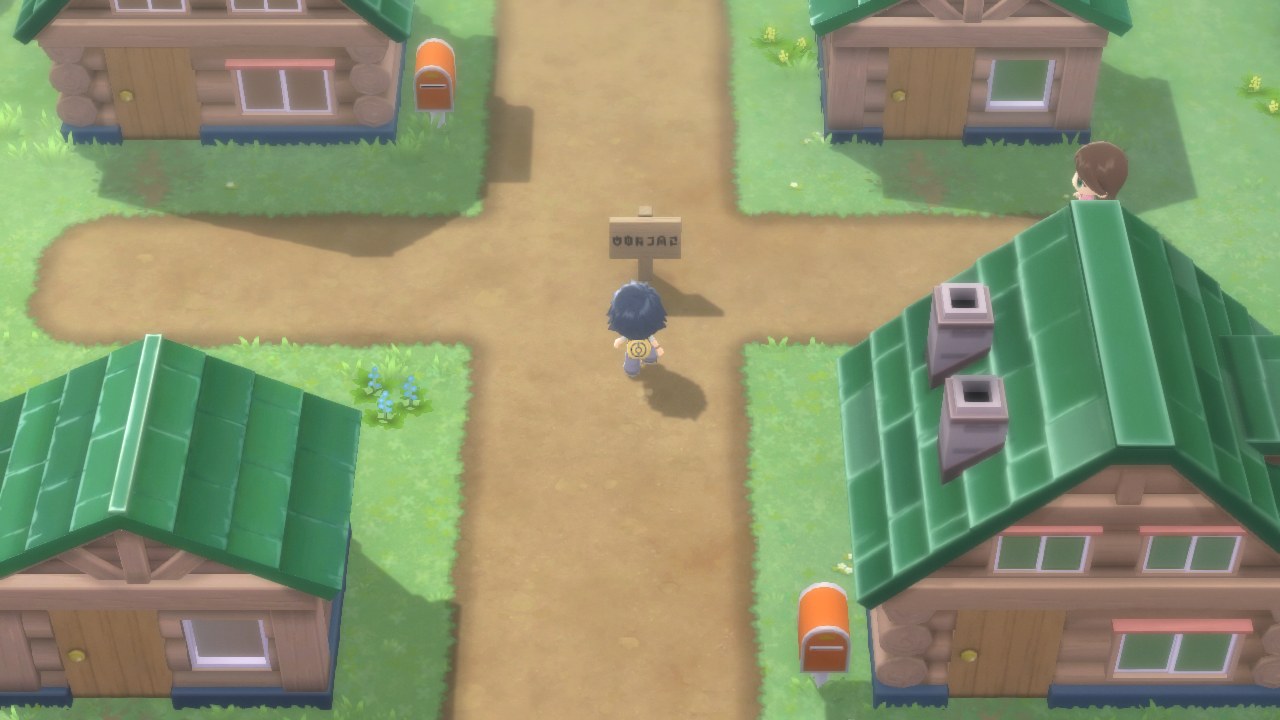
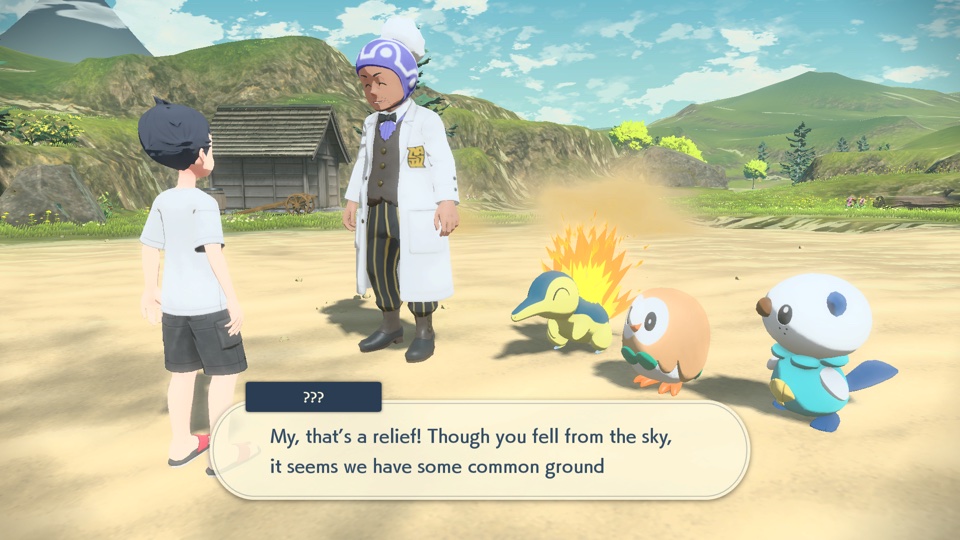
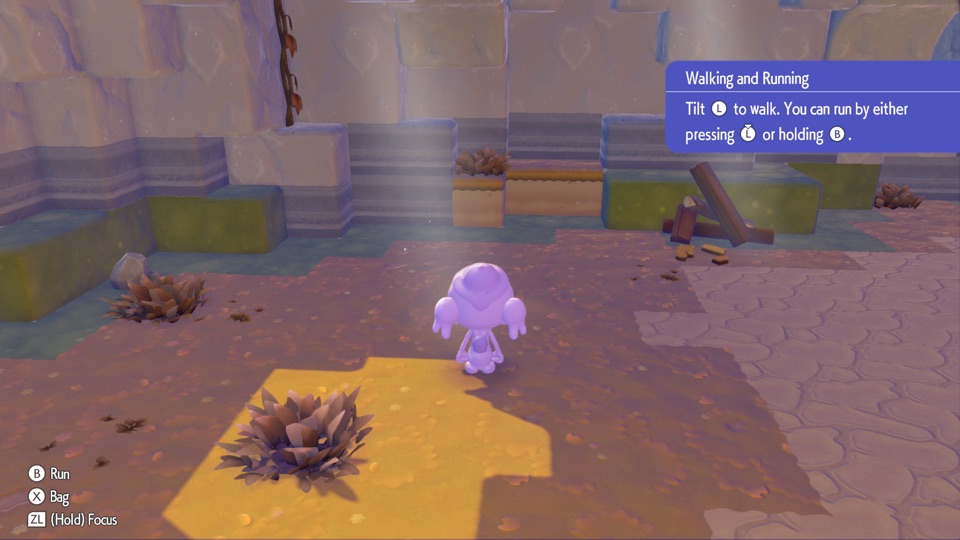
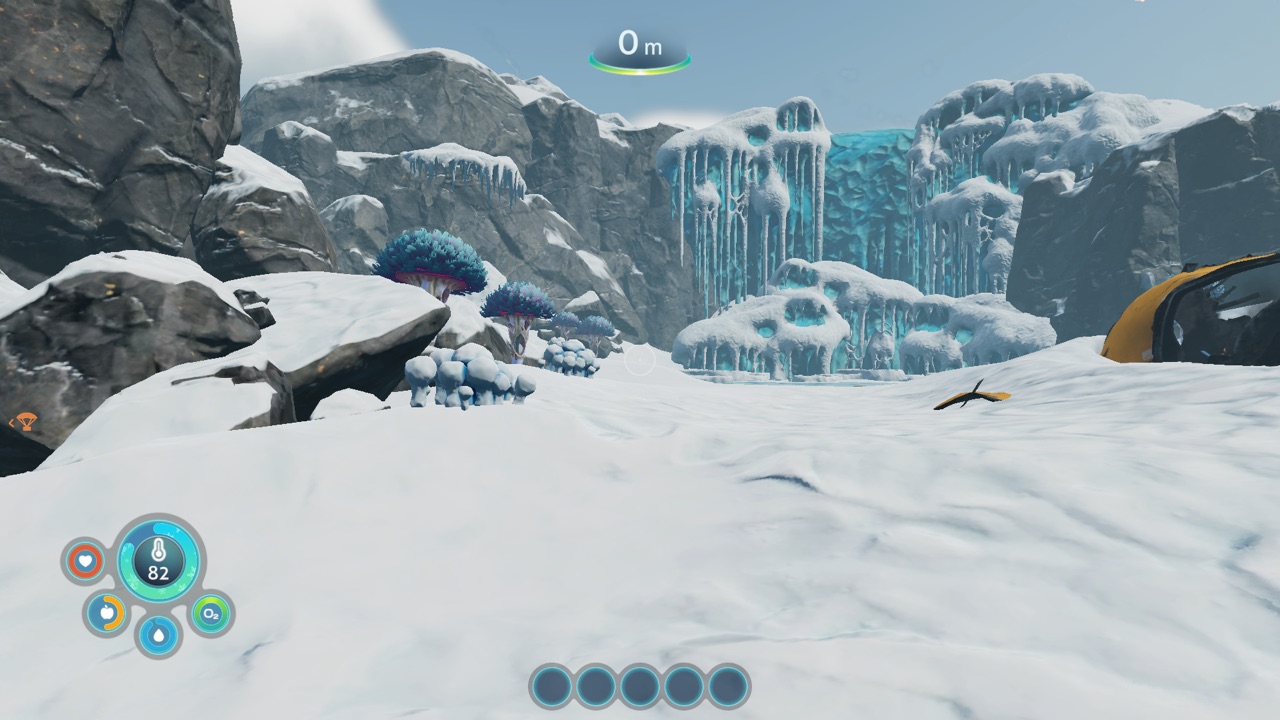
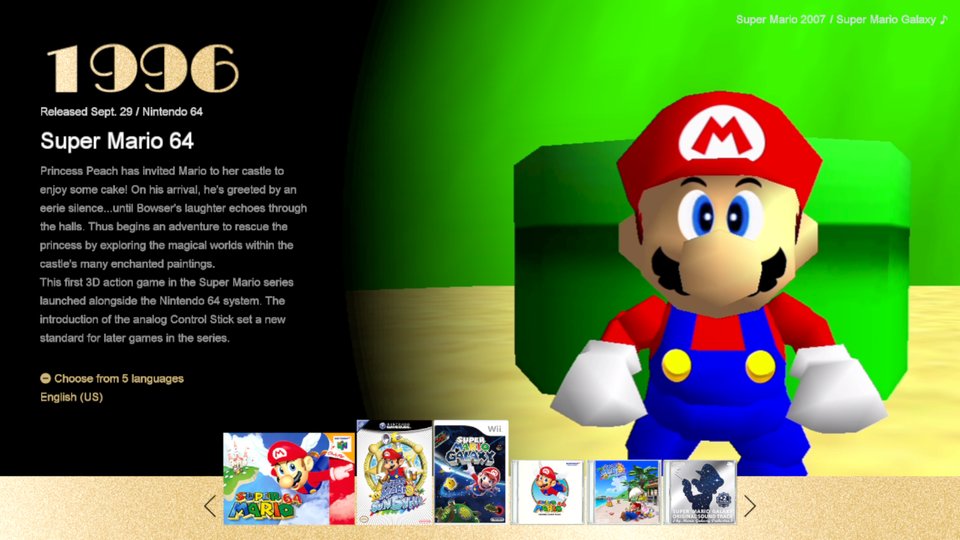
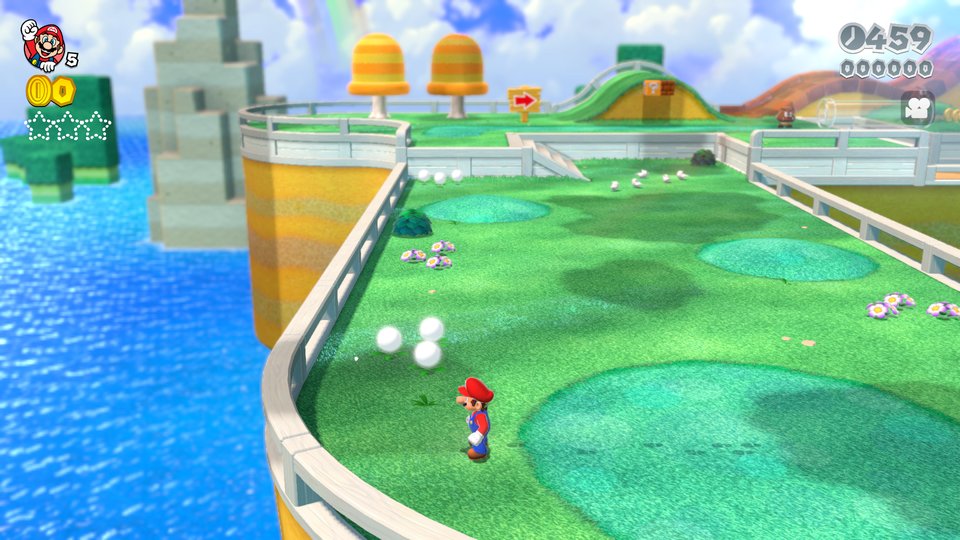
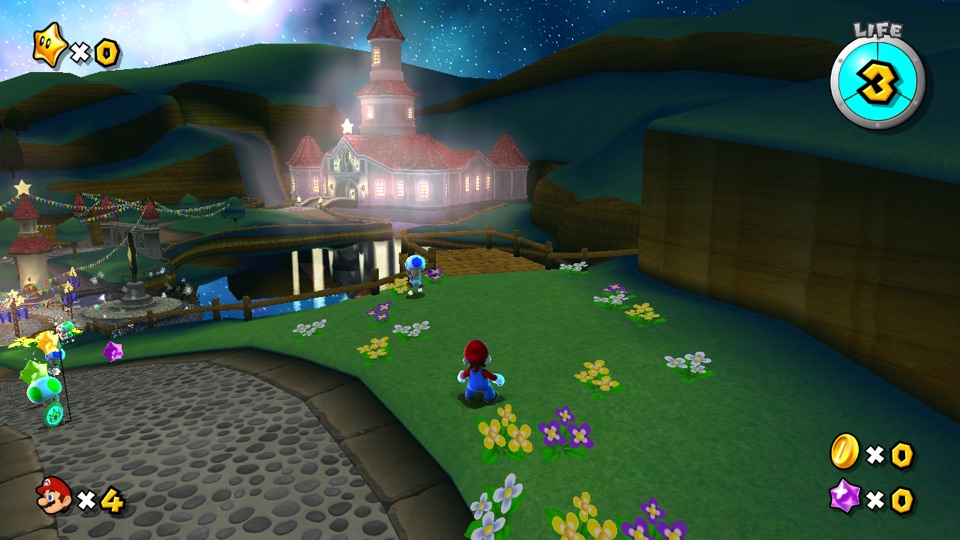
Explore 143 game profiles from the engine’s compatibility catalog. Open a game’s notes for supported versions and tested hardware.
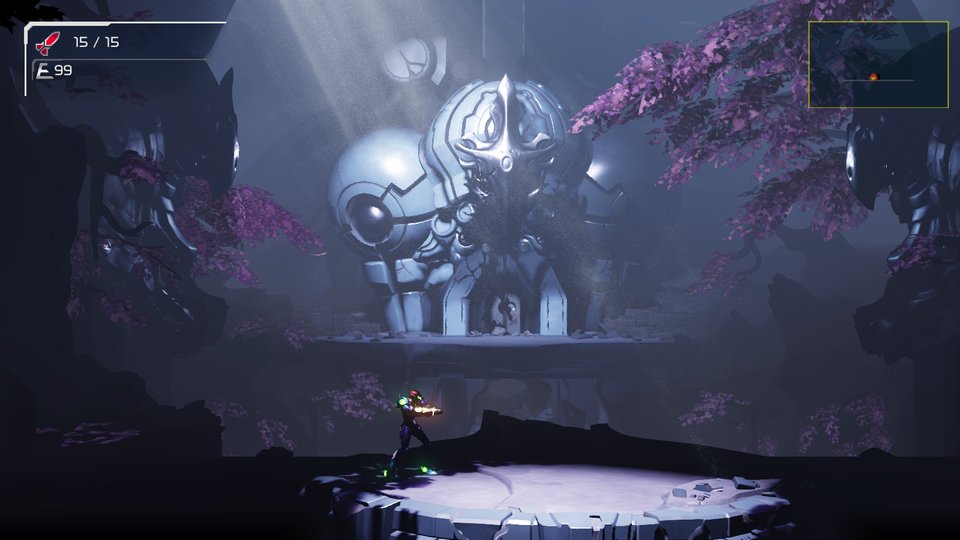
2.1.0
1.1.0
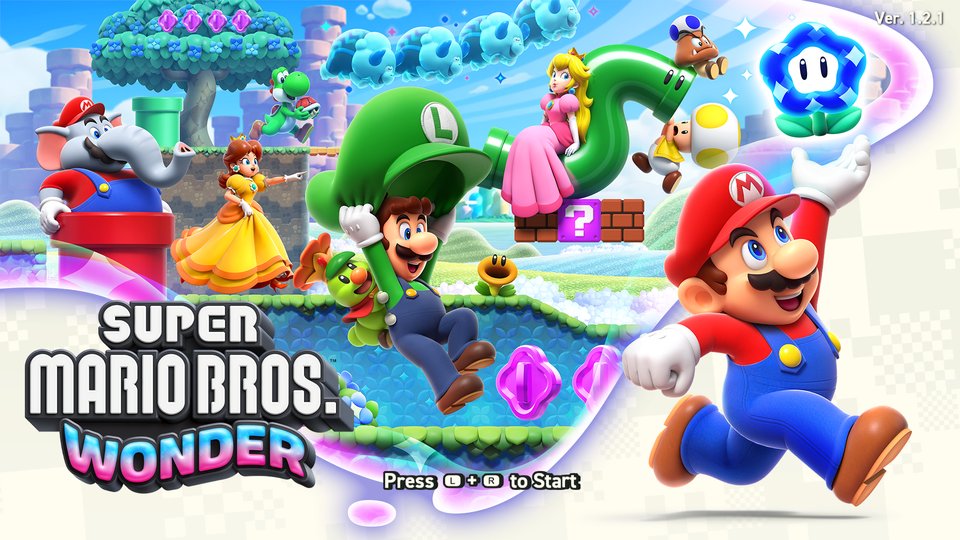
1.0.0 · 1.0.1 · 1.2.1
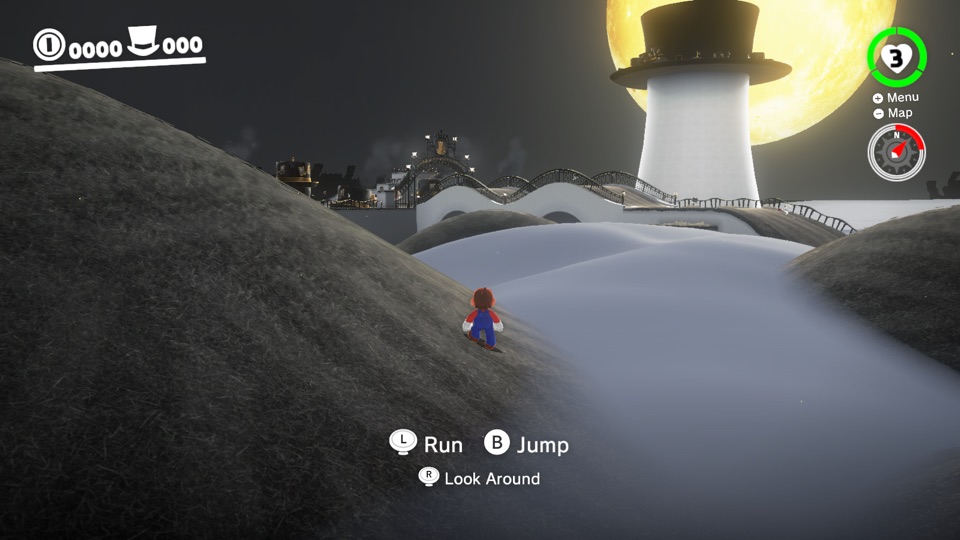
1.4.1
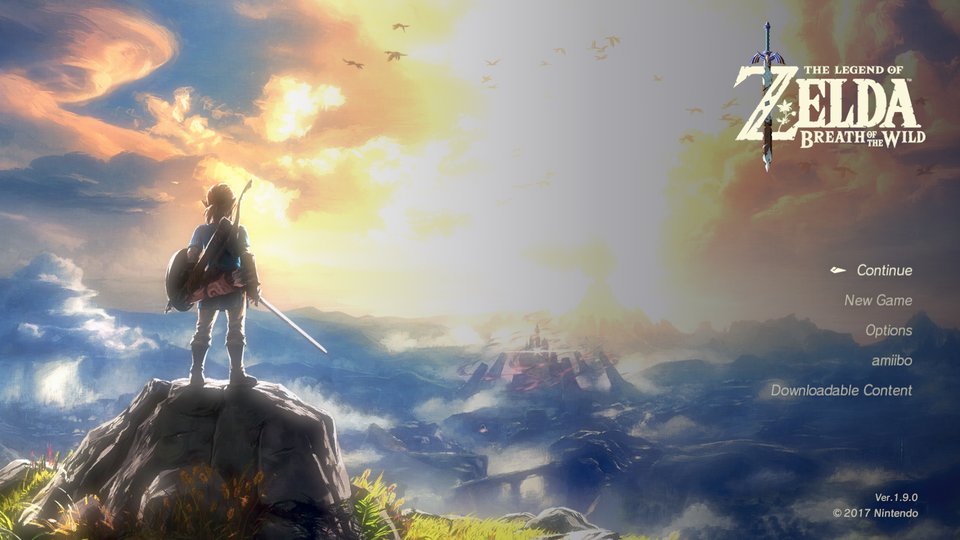
1.9.0

1.0.3
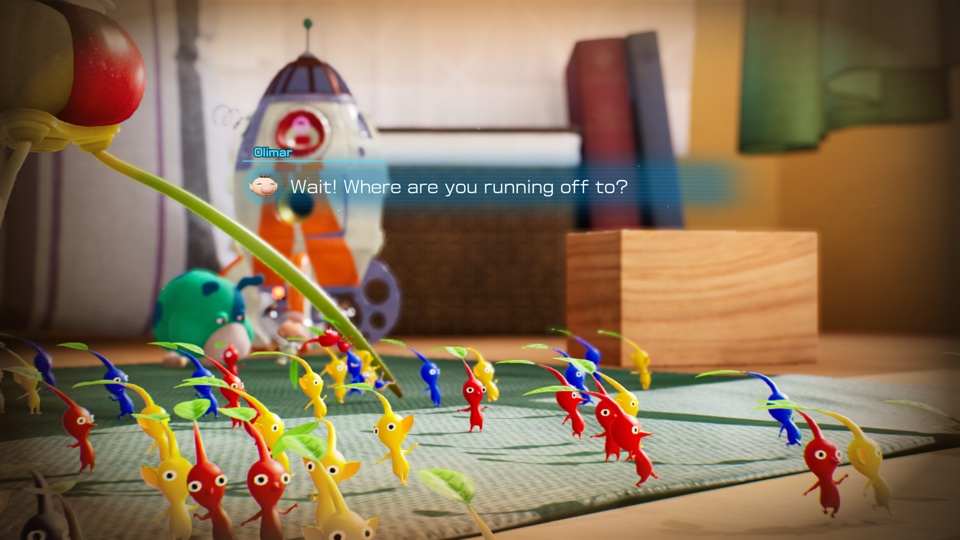
1.1.1
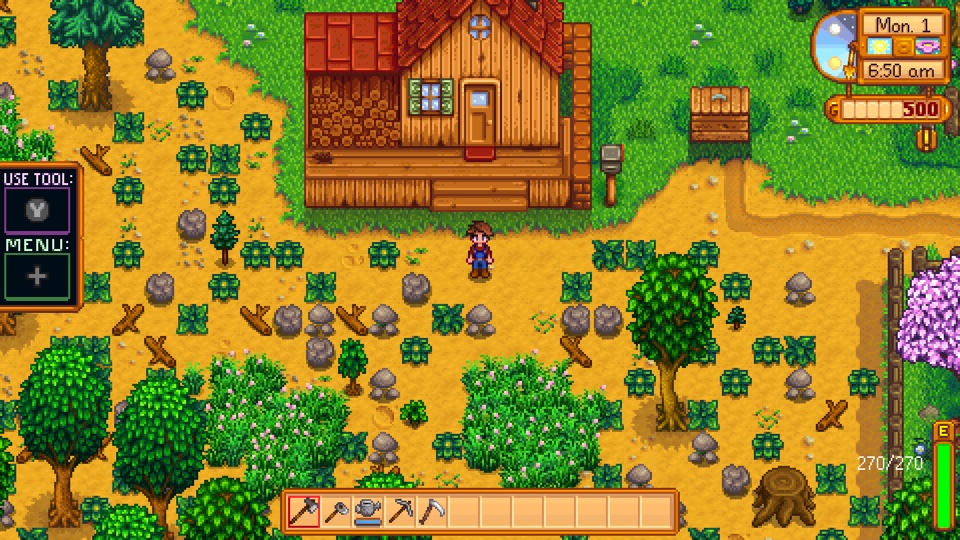
1.6.15.13

1.10
1.00
1.00
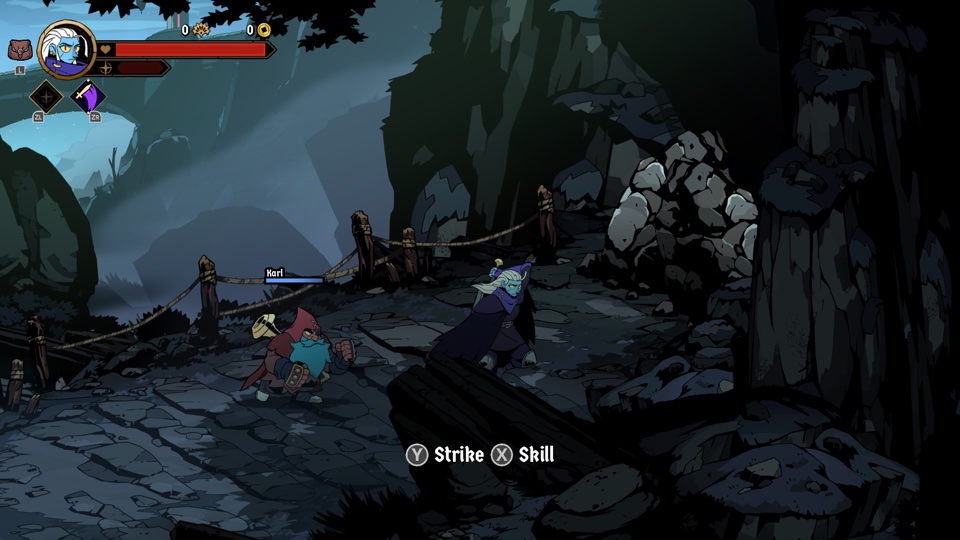
1.1.1 · 1.1.2

1.0.0.2
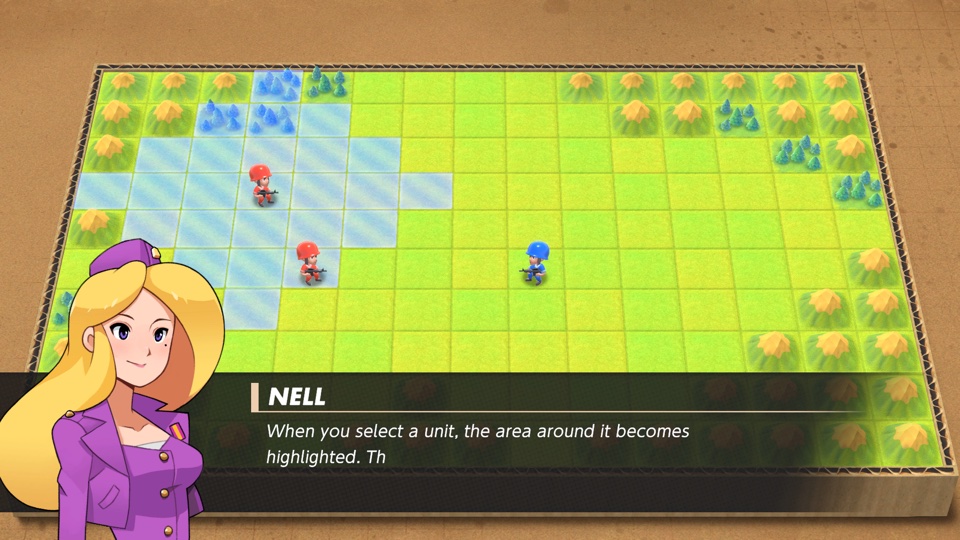
1.0.0
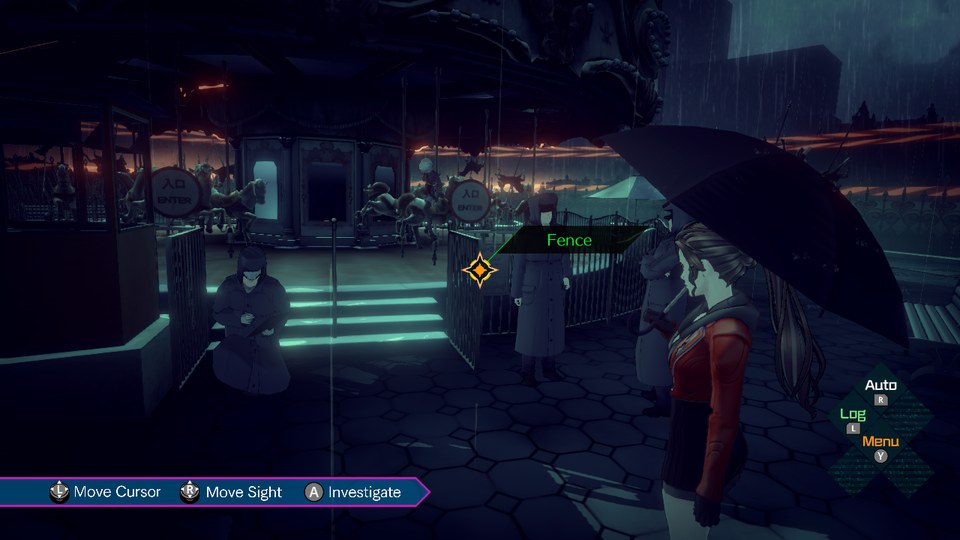
1.0.1
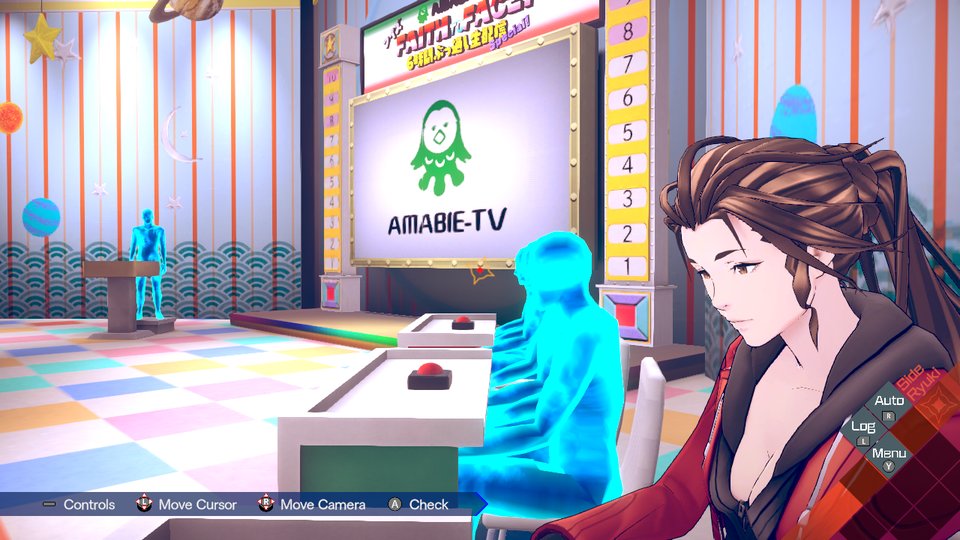
1.0.2
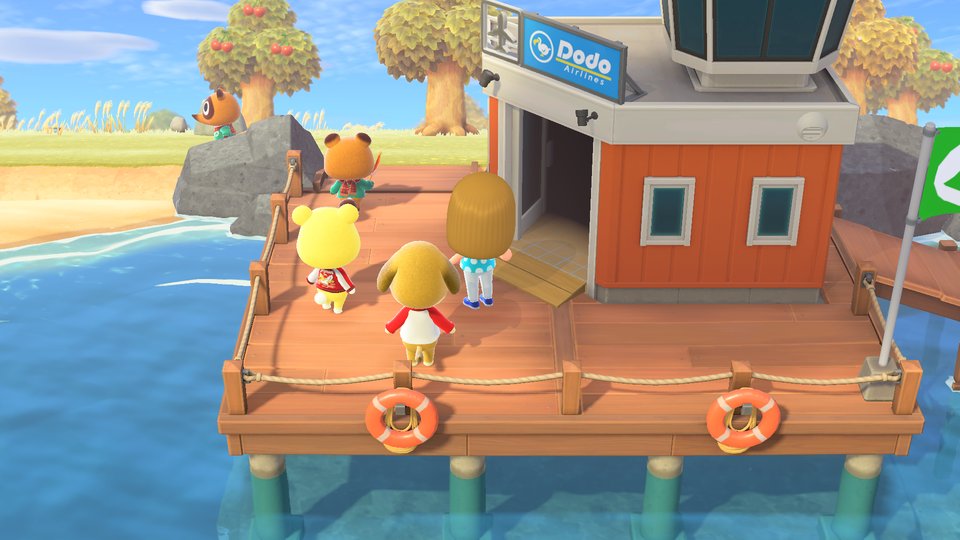
3.0.3
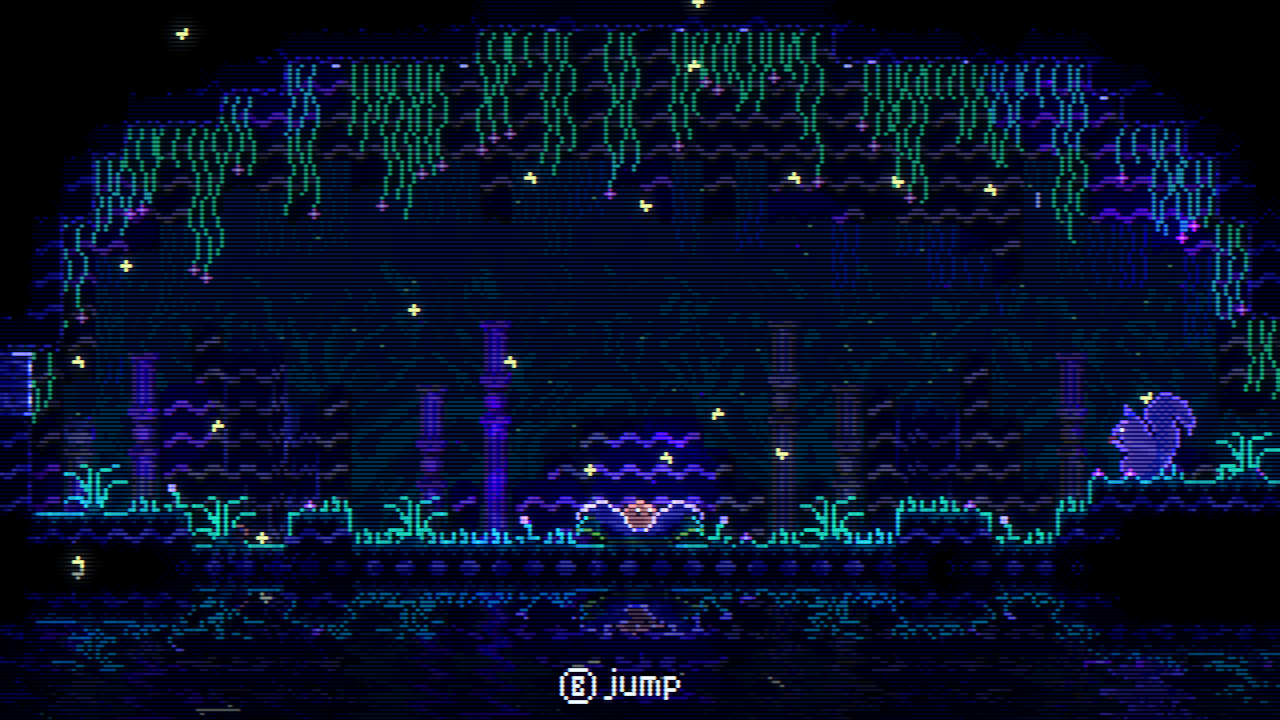
1.0.10
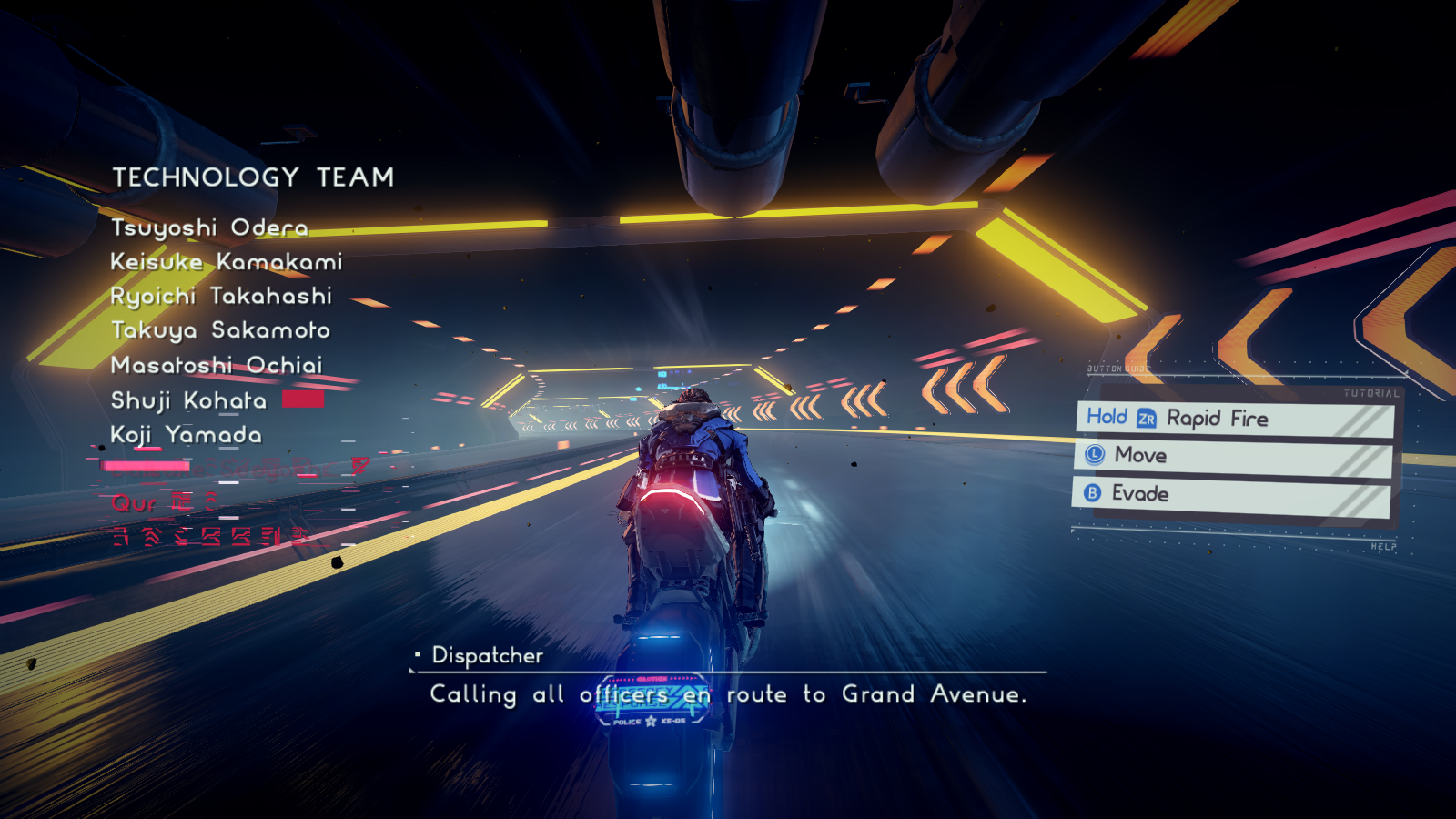
1.0.1
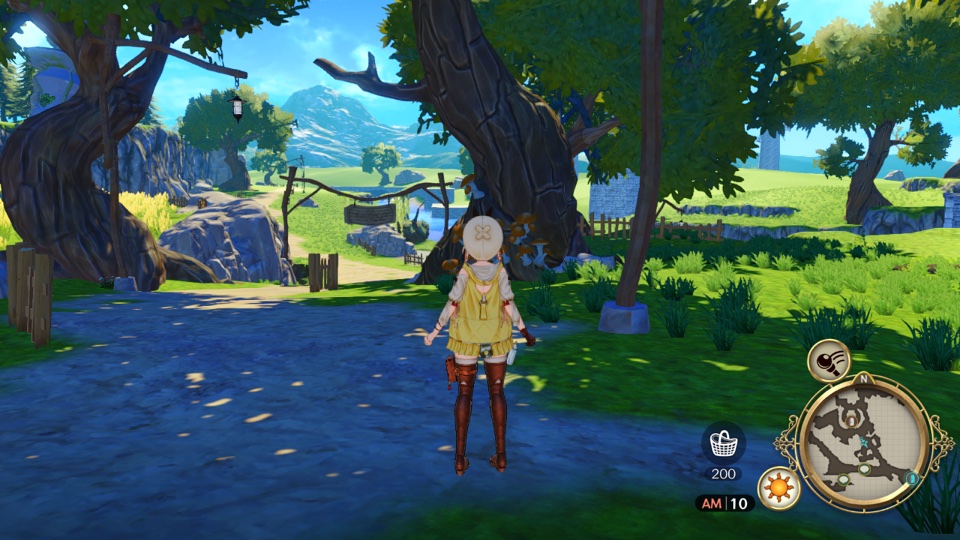
1.2.0
1.0.12
1.1.3
1.293
1.0.0

1.0.5
1.1

1.2
1.2.0
1.2.0
1.0.8
1.0.8
1.0.0
1.4.2
1.1.0
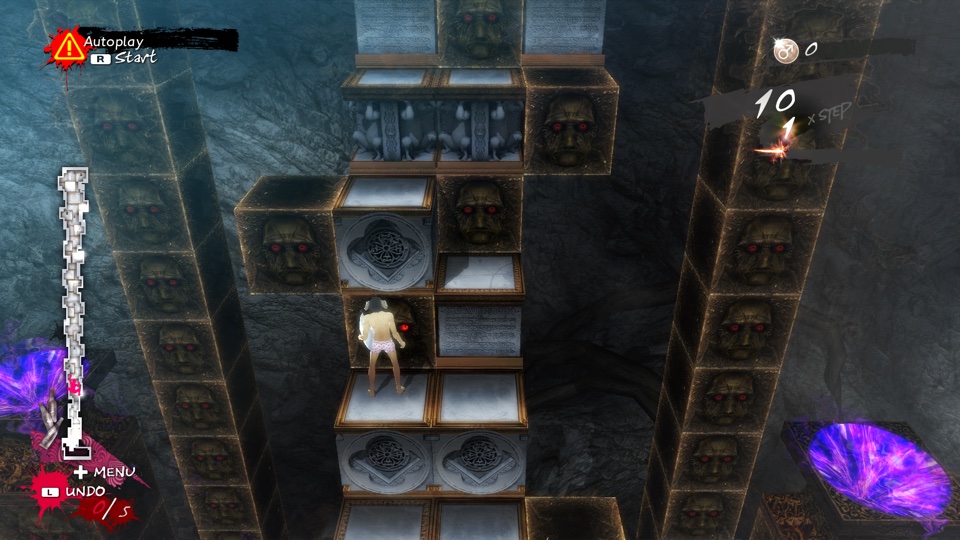
1.0.1a
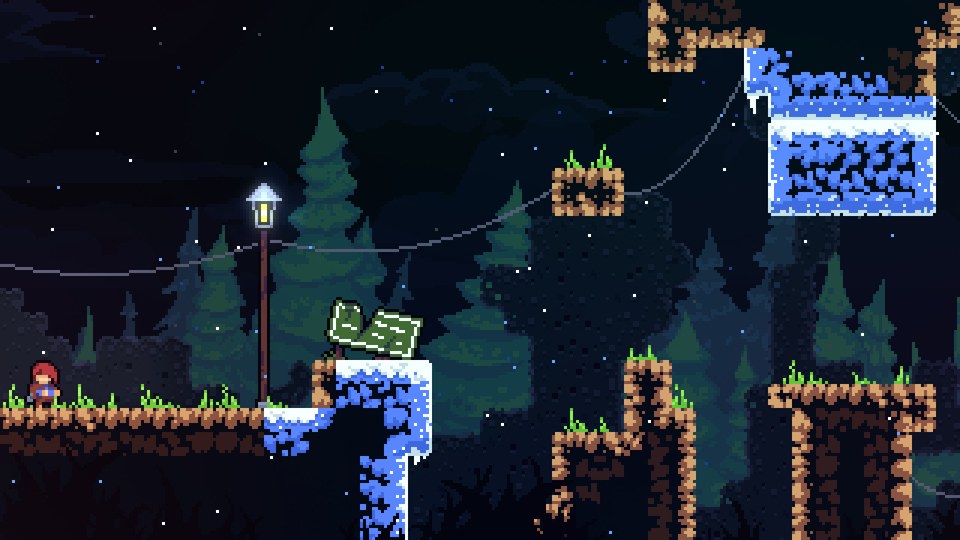
1.4.1.1
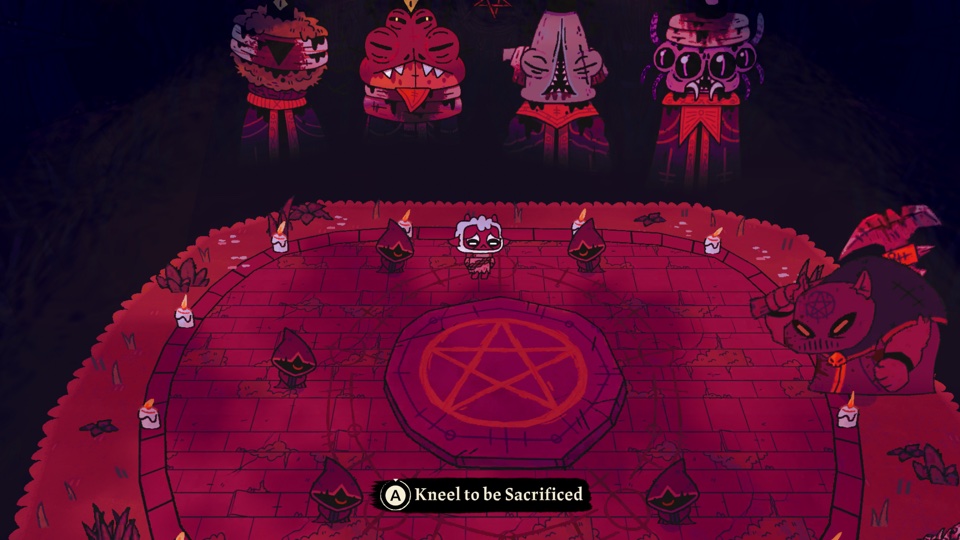
1.5.28
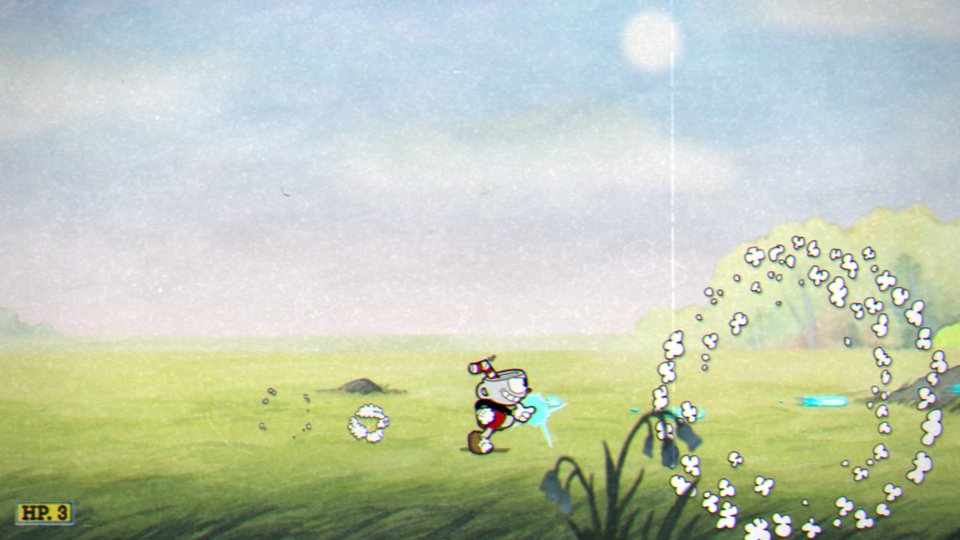
1.3.7
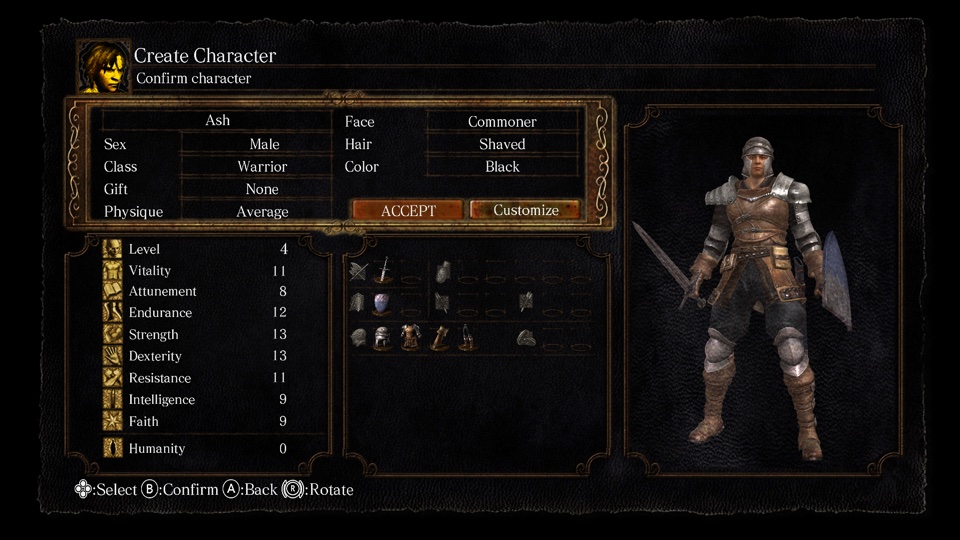
1.0.3
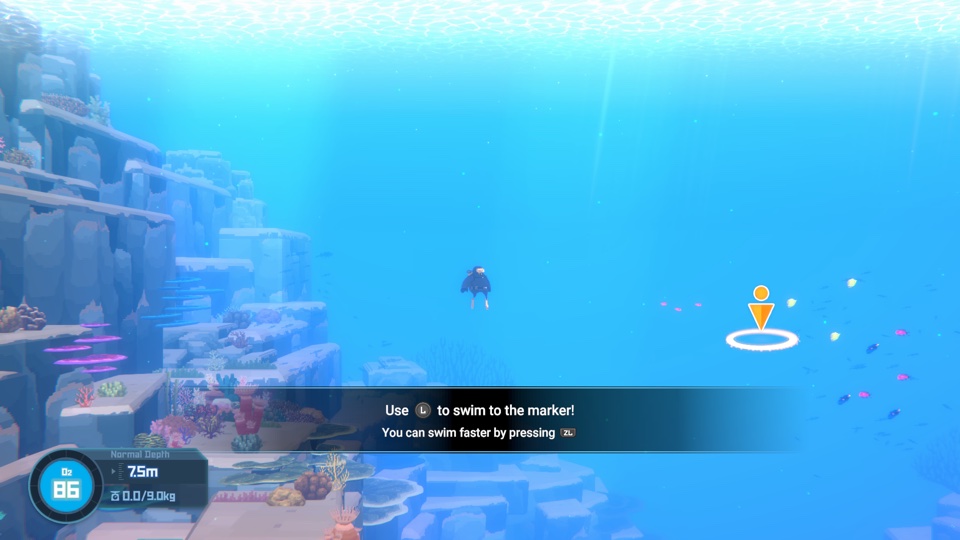
v1.0.6.1267
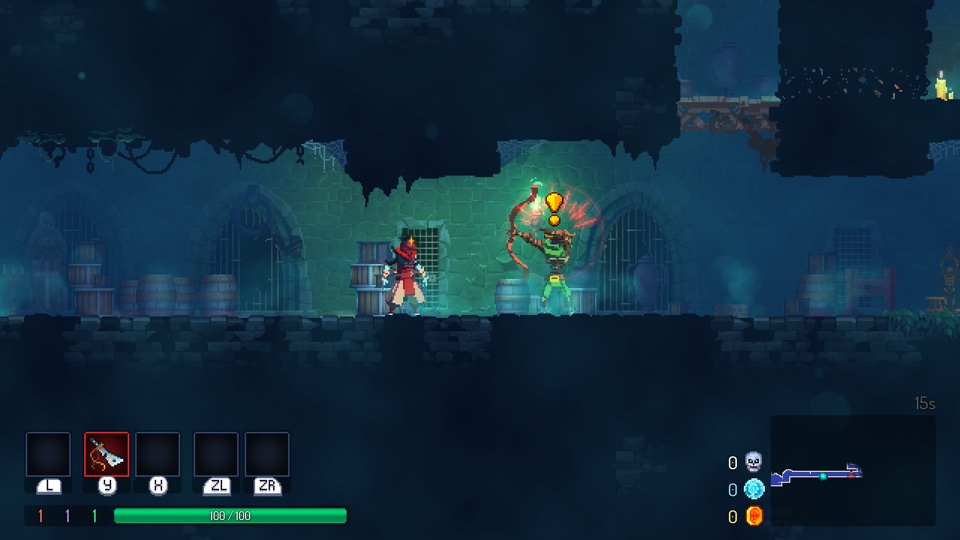
1.25.0
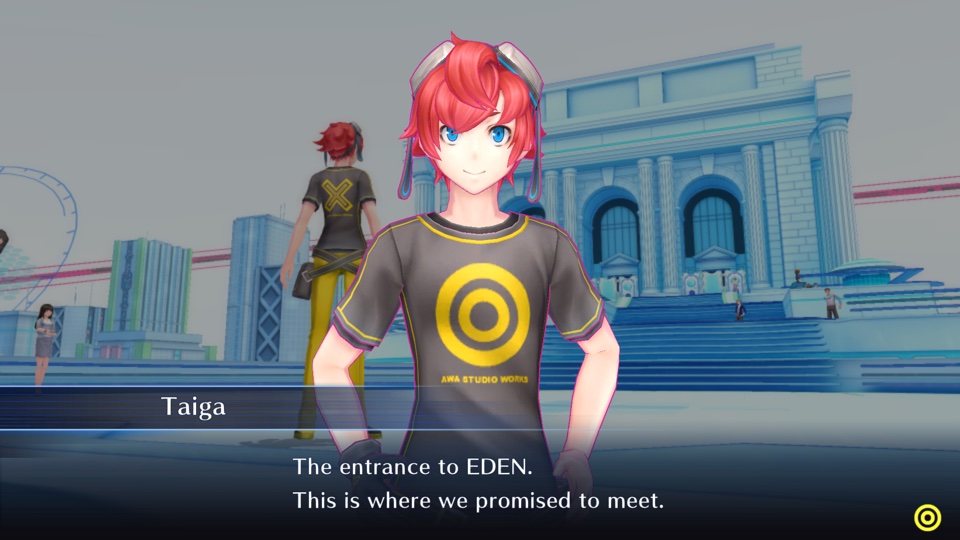
1.0.3
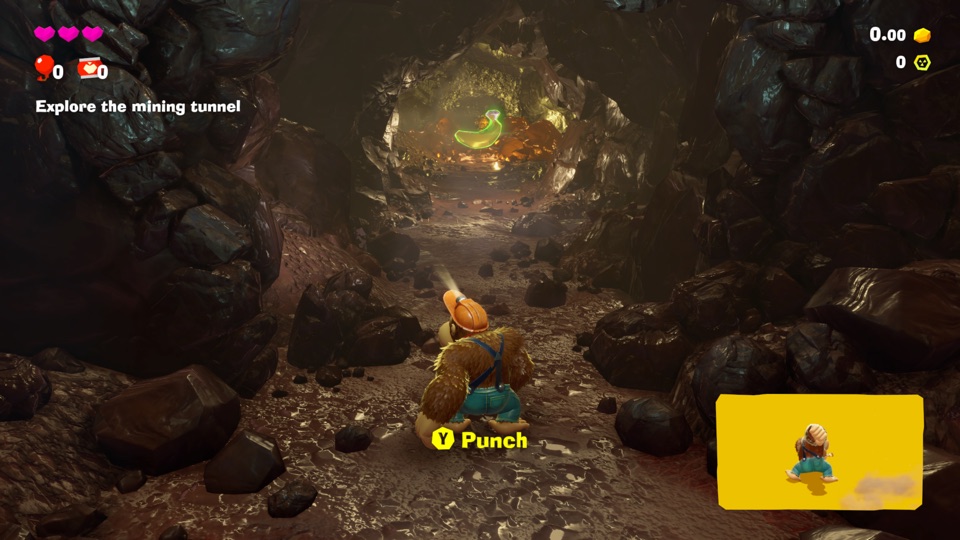
v458752
Switch 2 · Mac only
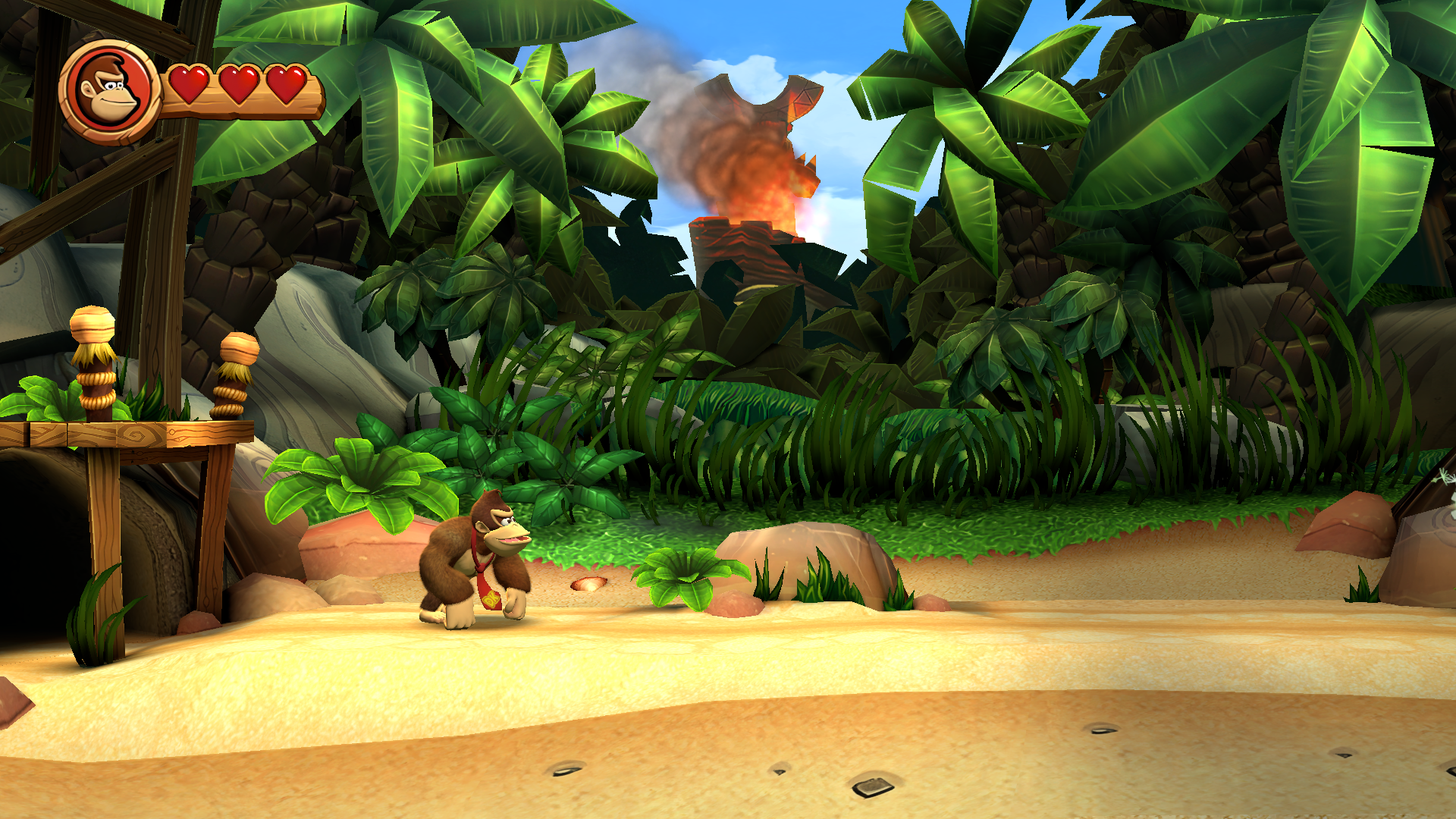
1.1.0
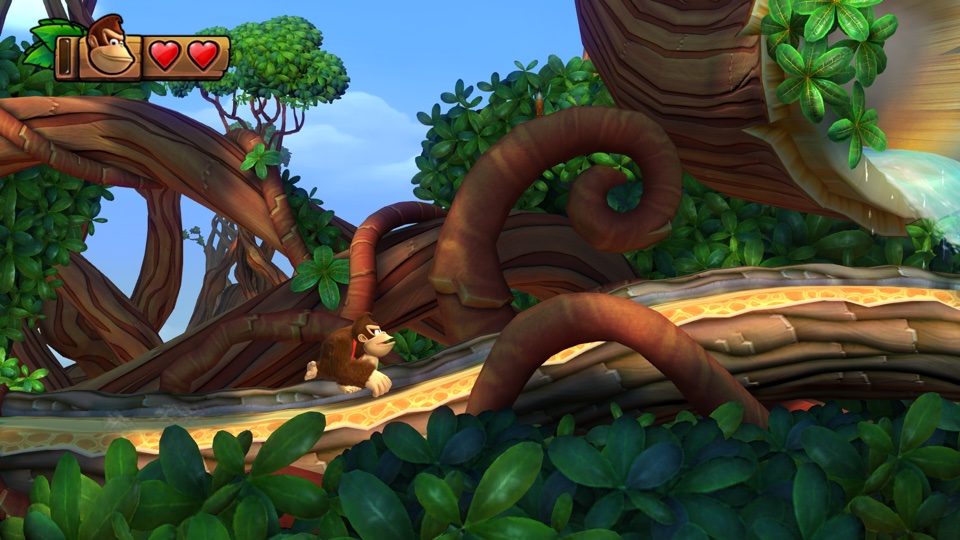
1.0.2
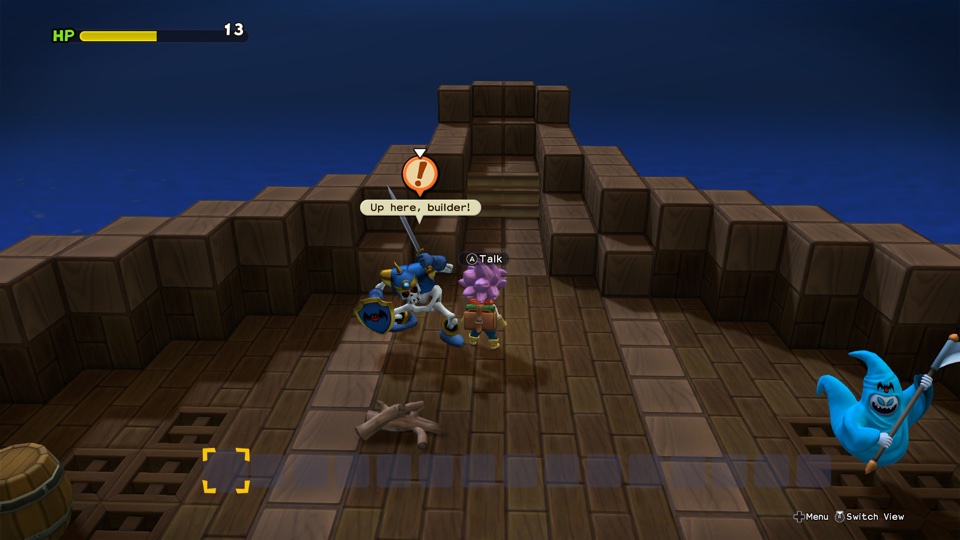
1.7.3d
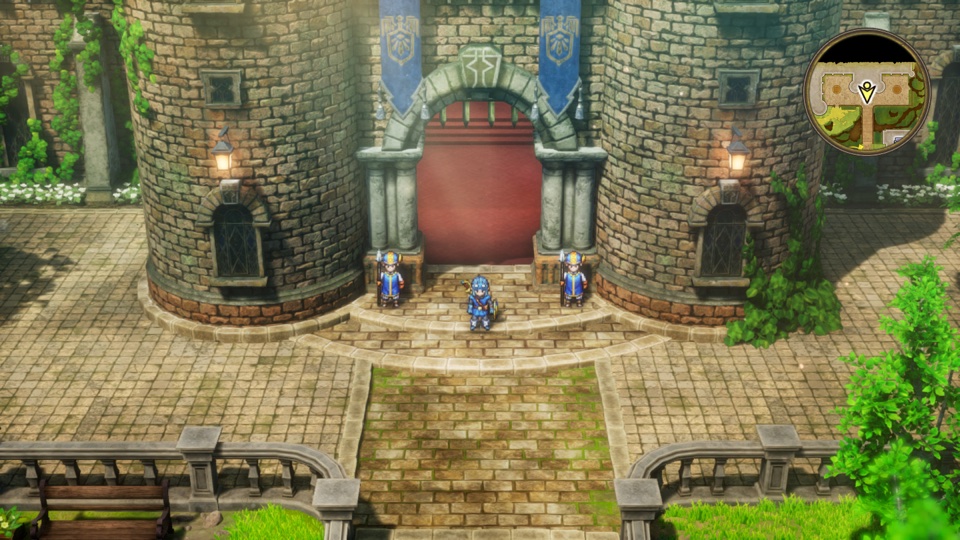
1.0.2
1.1.2

1.2.0
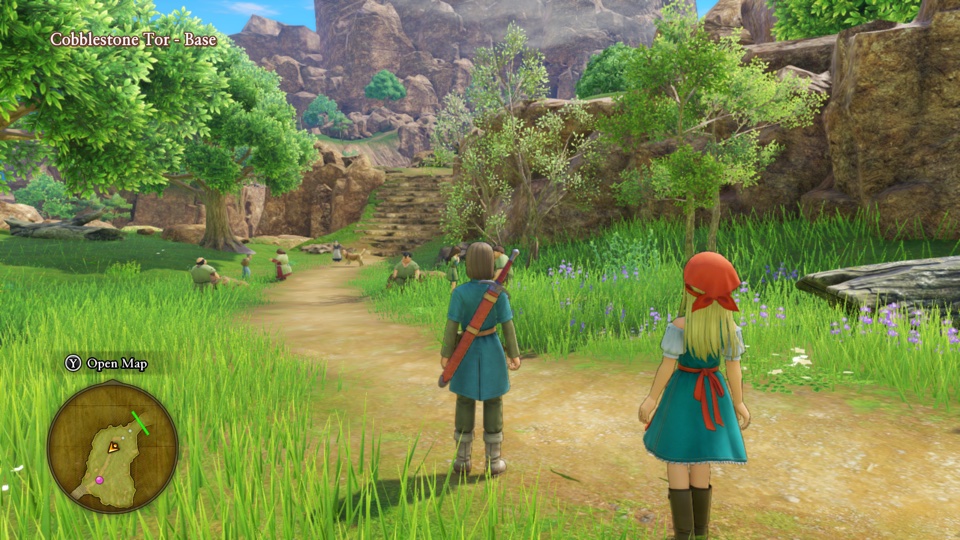
1.0.4
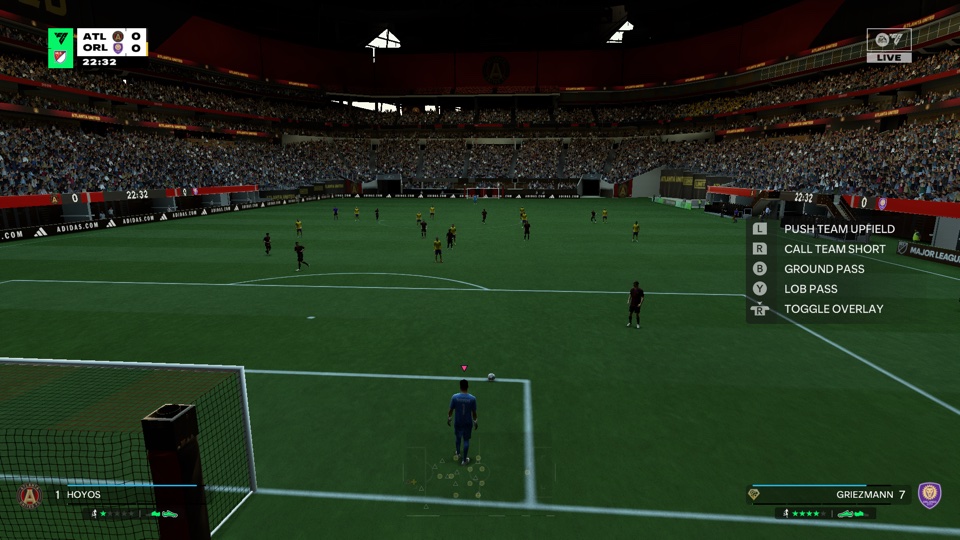
1.8d.310c
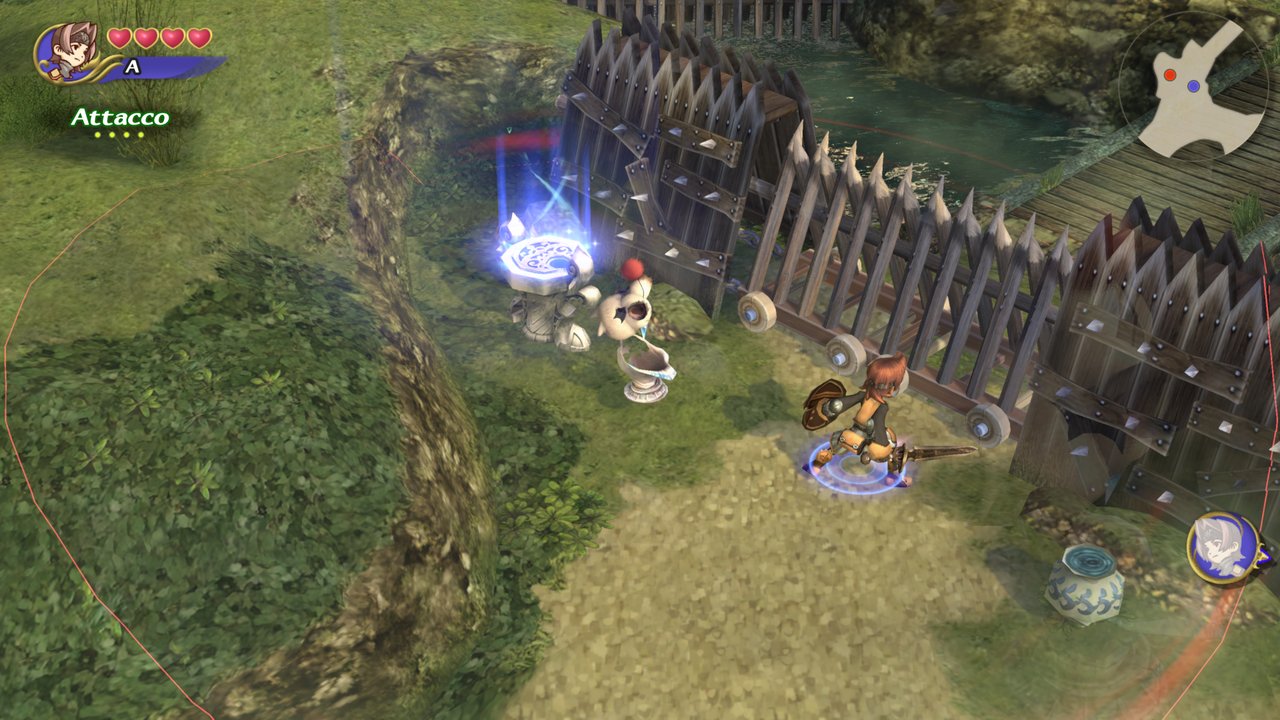
1.0.3
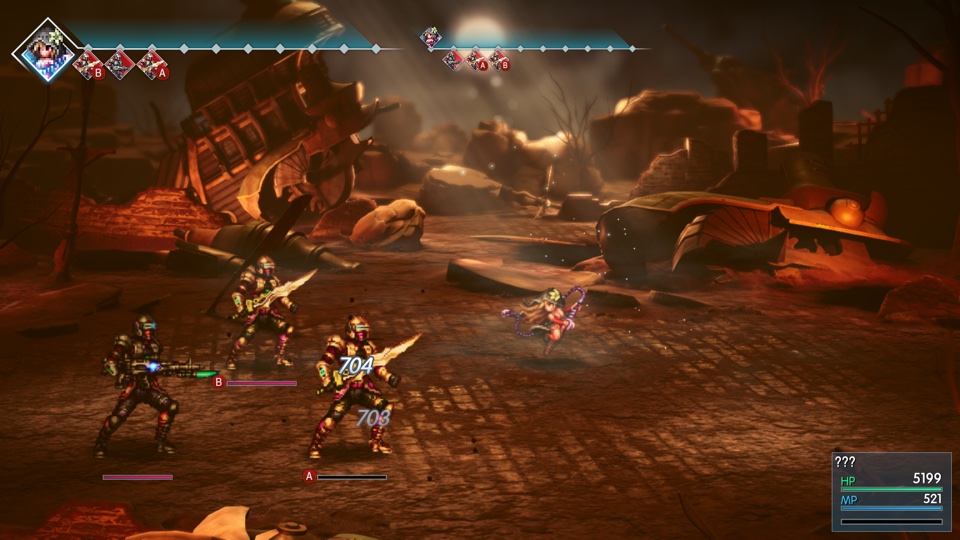
1.0.1
1.0.1
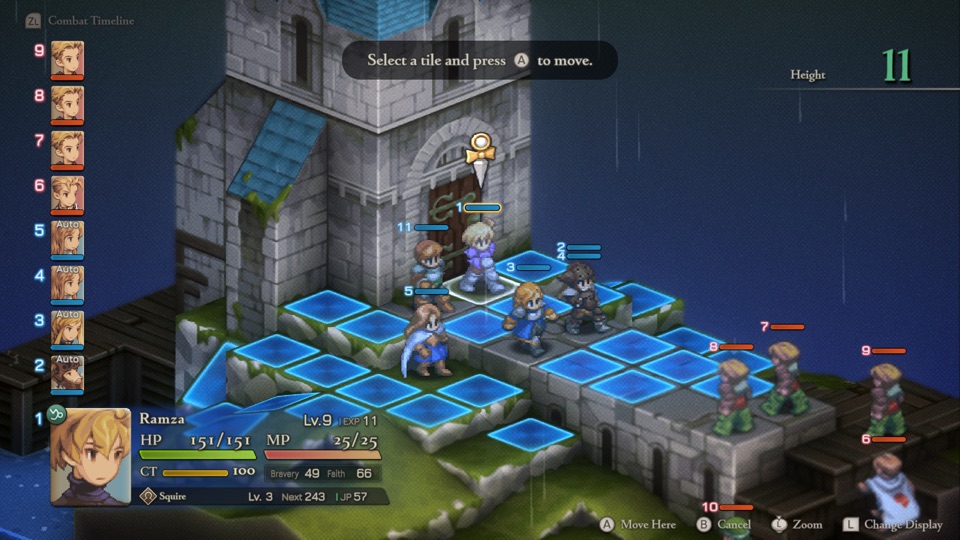
1.4.0
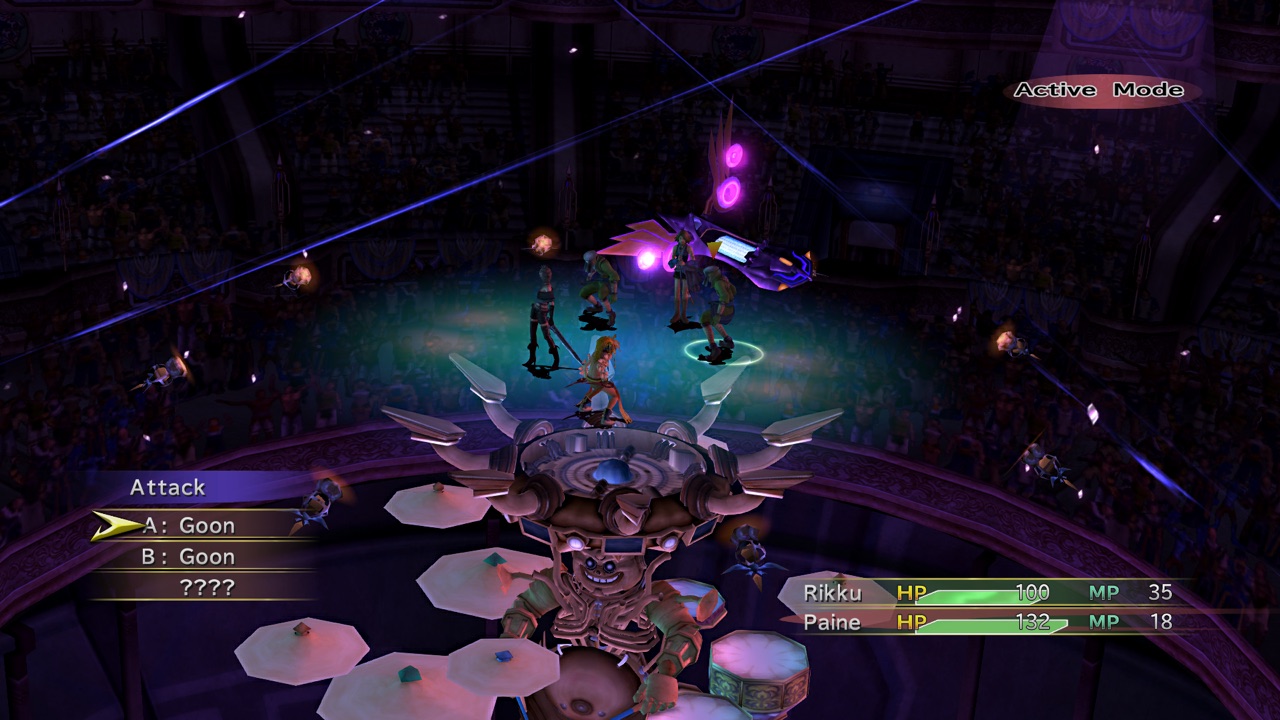
1.0.0
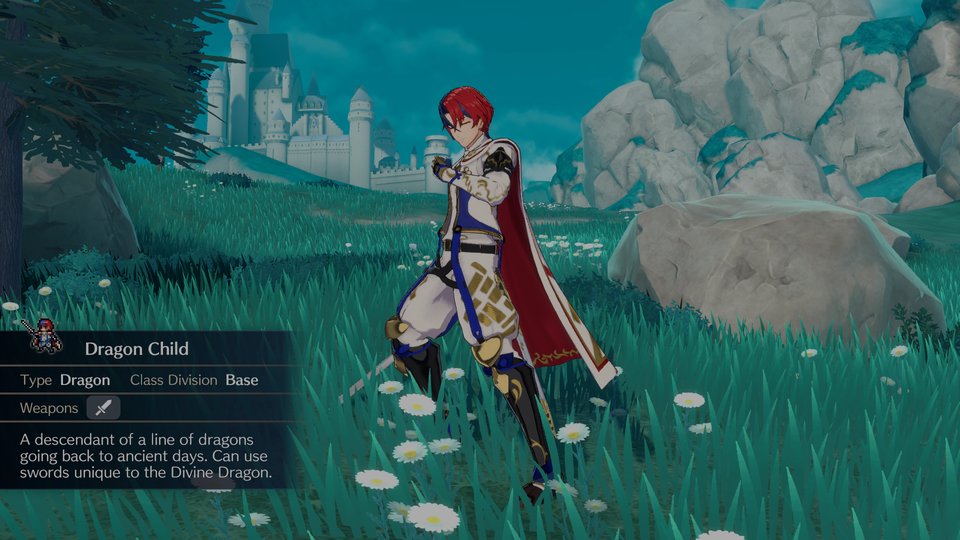
2.0.0
v131072
Switch 2 · Mac only
1.2.0
1.0.0
1.0.38233
0.0.126424

1.5.12620
1.0.30000
1.3.0
v196608
Switch 2 · Mac only
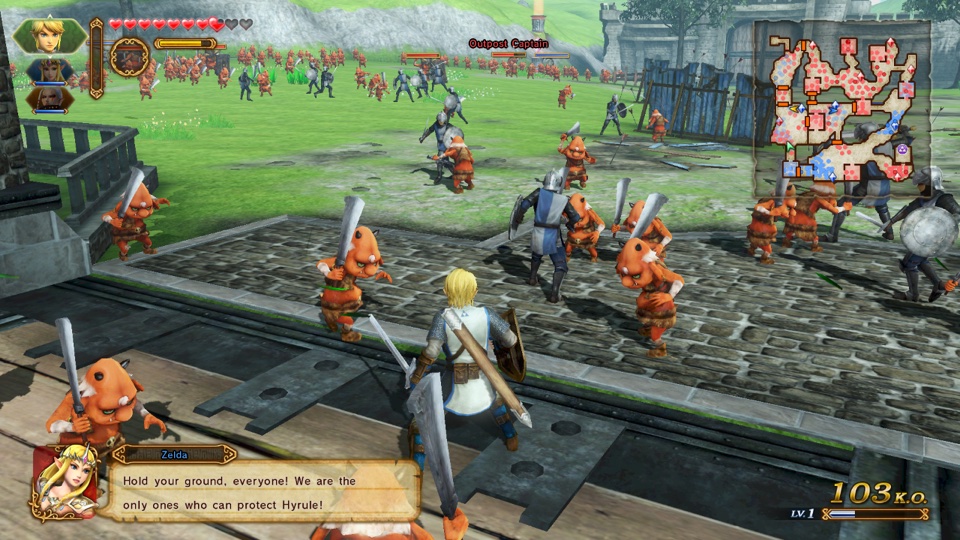
1.0.1

1.1.0
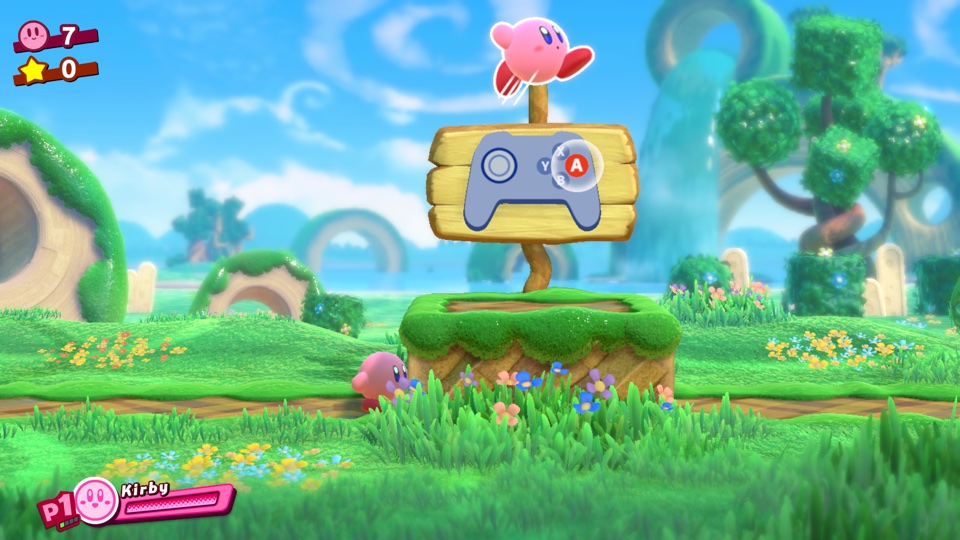
4.0.0a
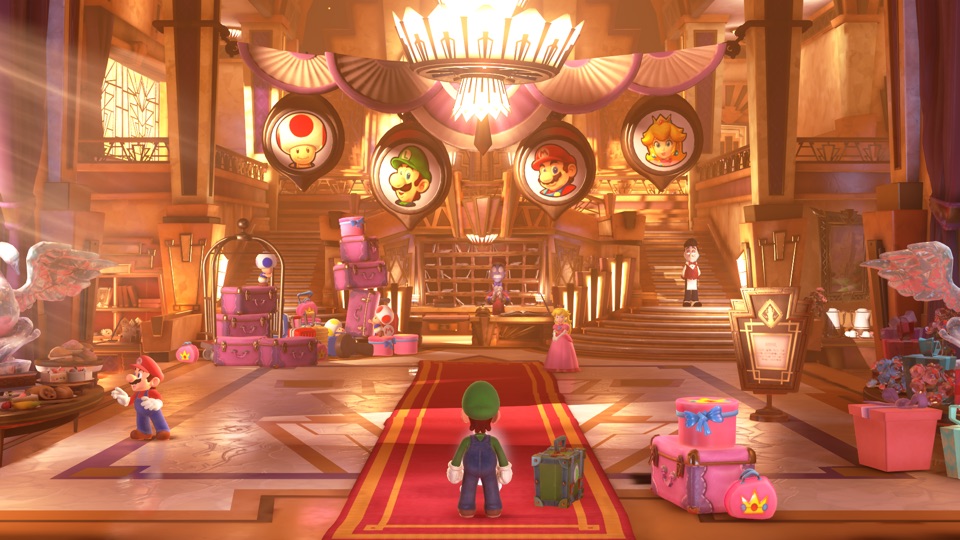
1.4.0
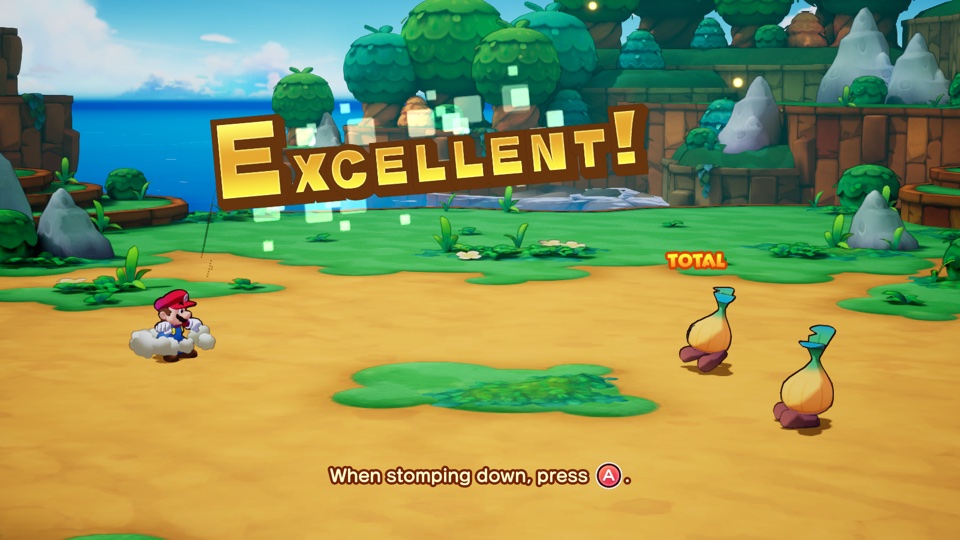
1.0.0
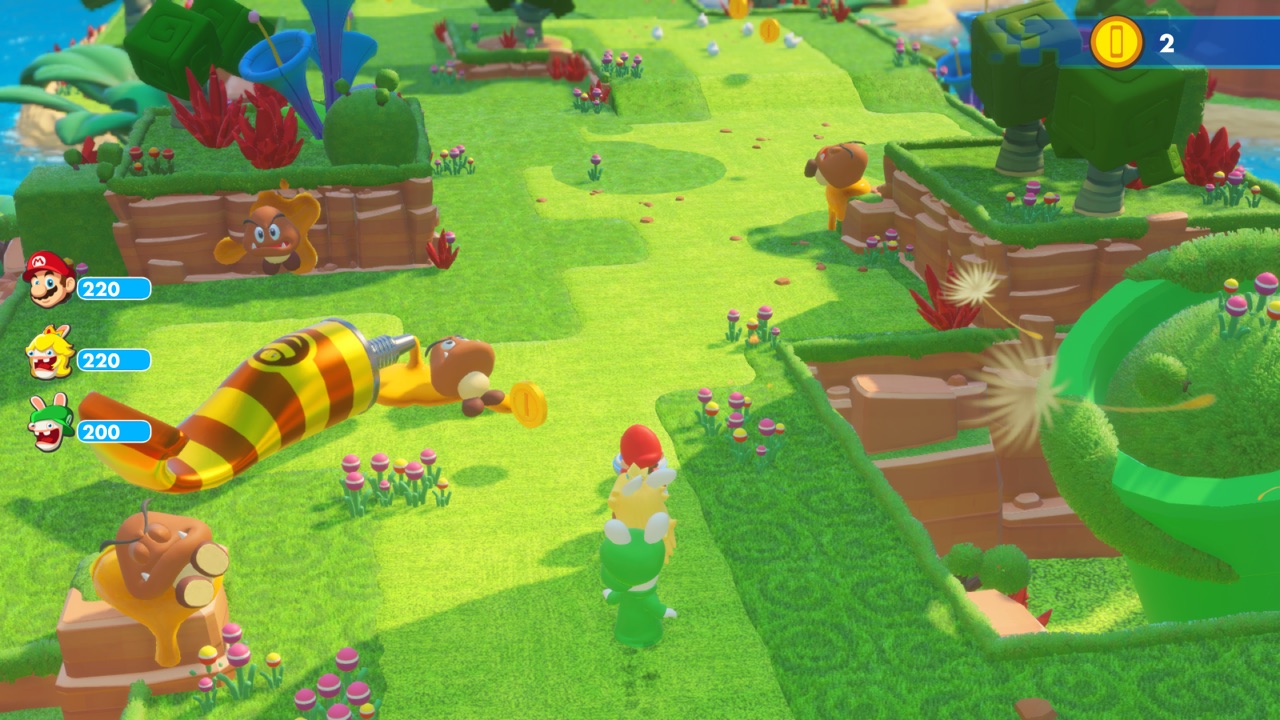
1.9.589692

1.6.2225577

4.0.0 · 4.0.1
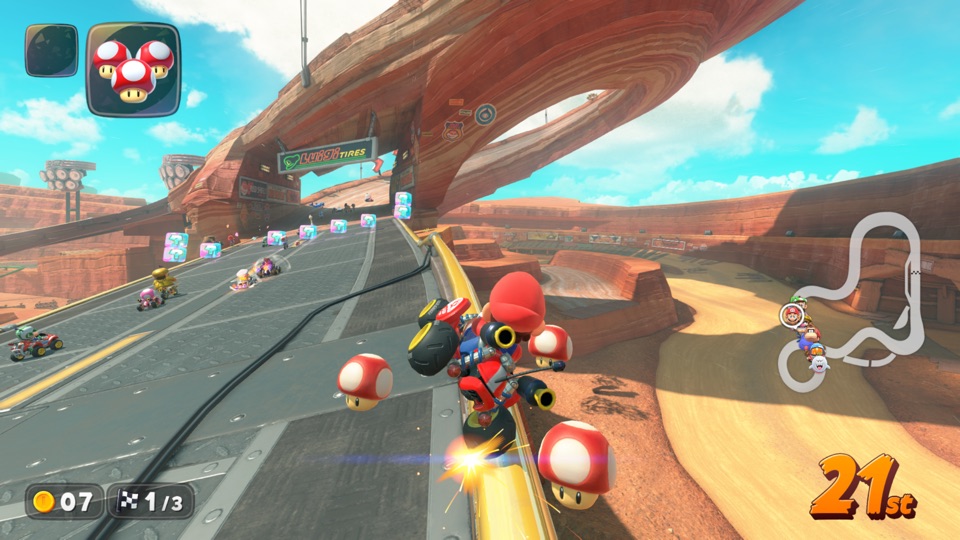
v0
Switch 2 · Mac only
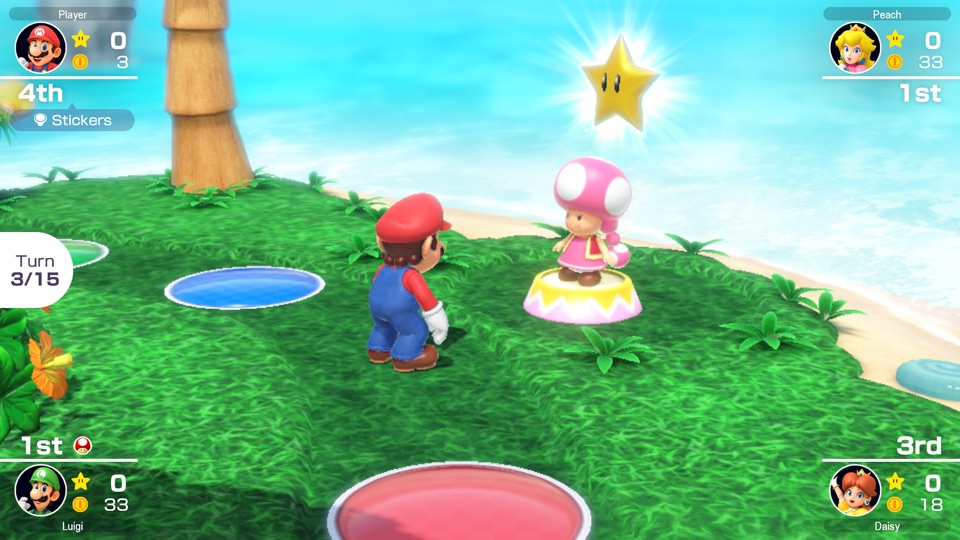
1.1.1
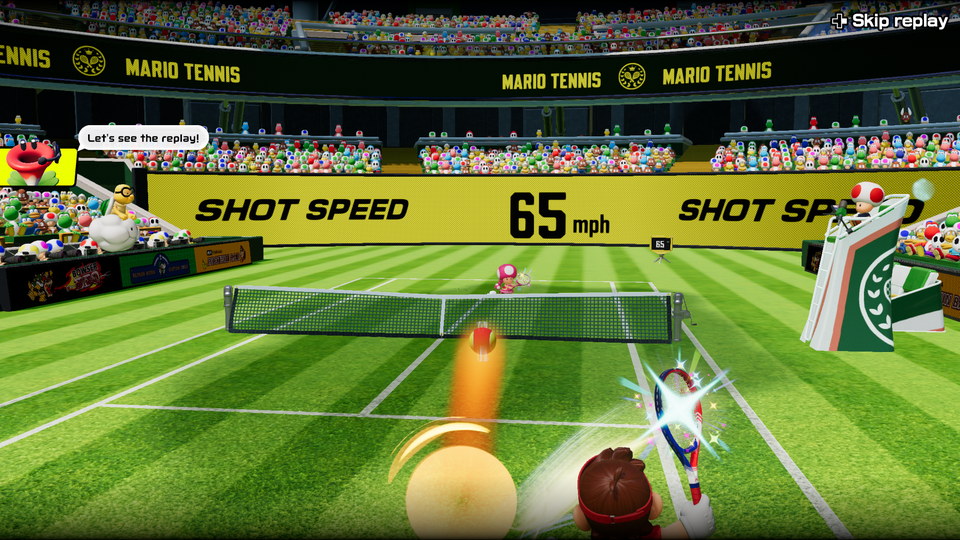
v327680
Switch 2 · Mac only
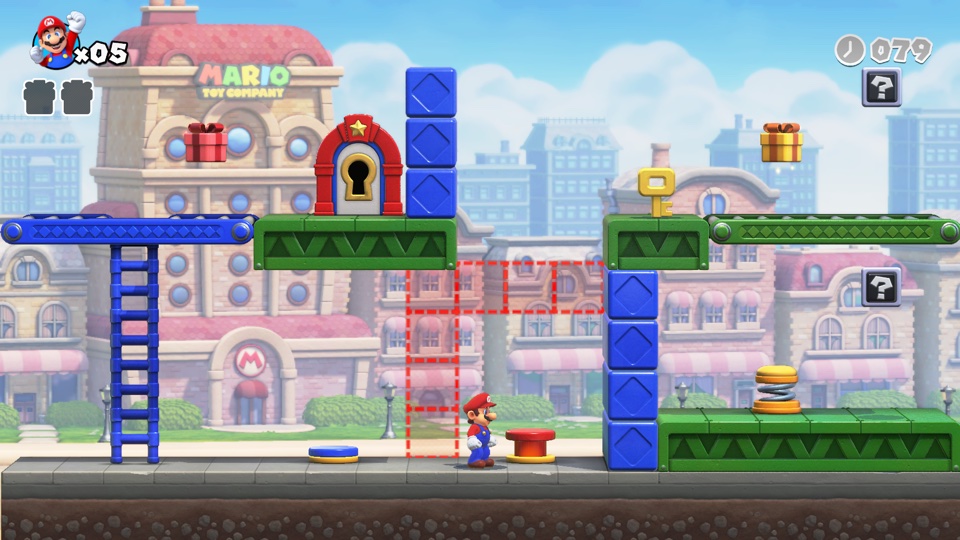
1.0.1
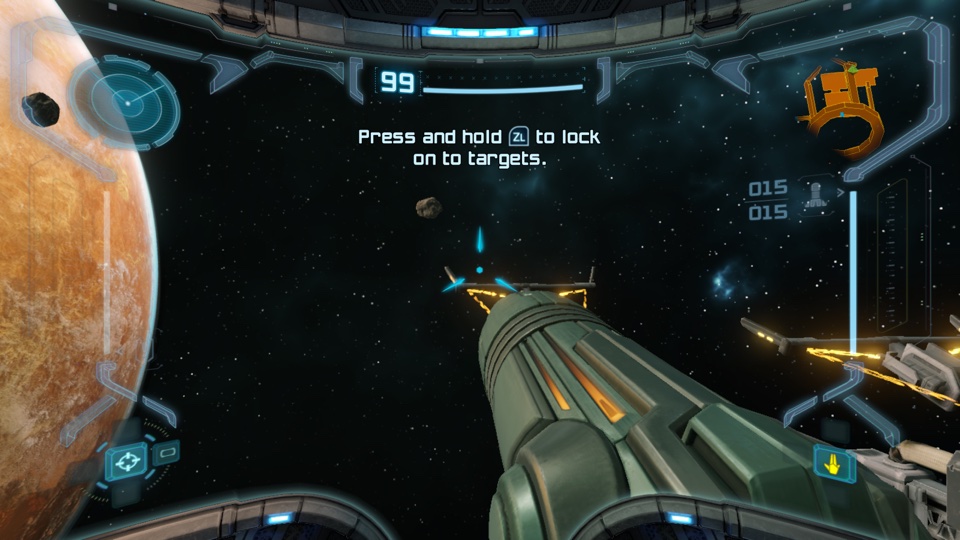
1.0.0

16.0.2
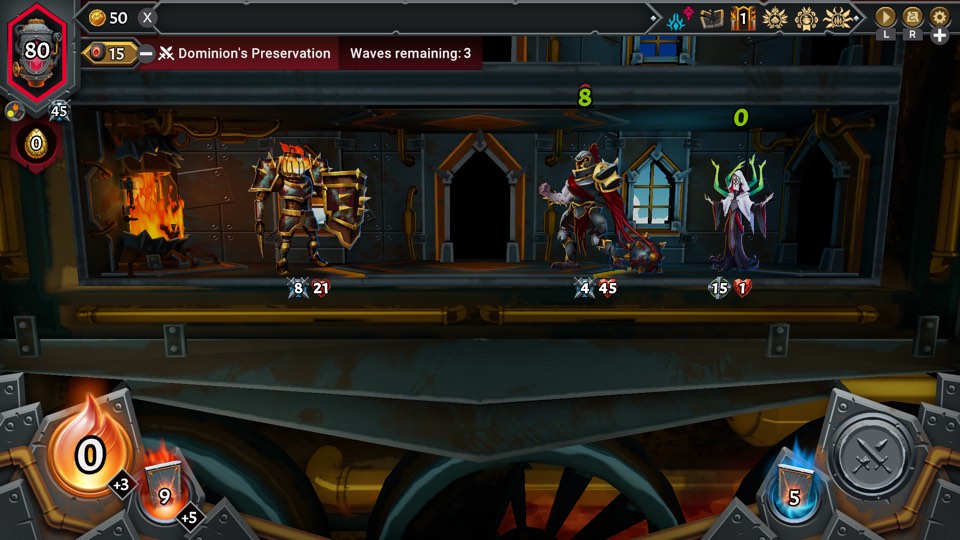
1.1.1
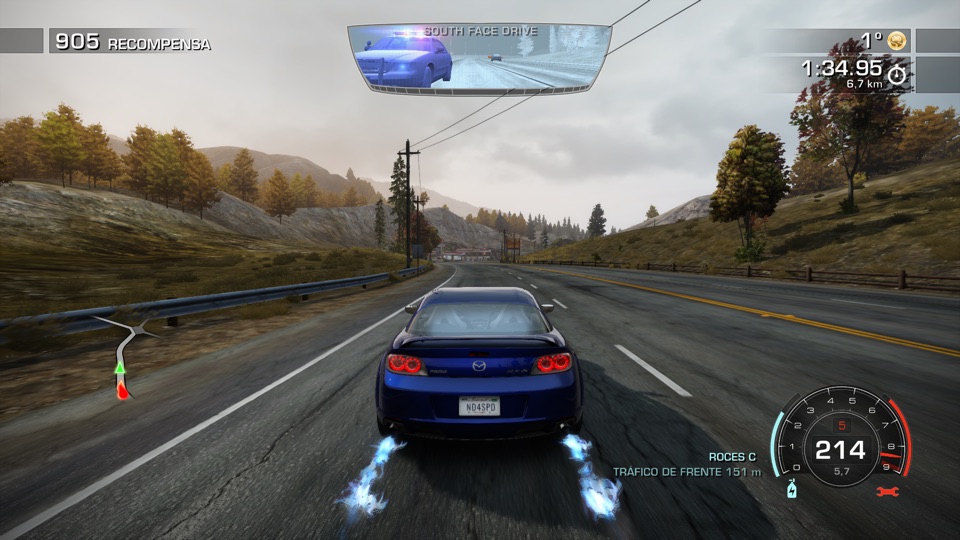
1.0.3
1.0.3
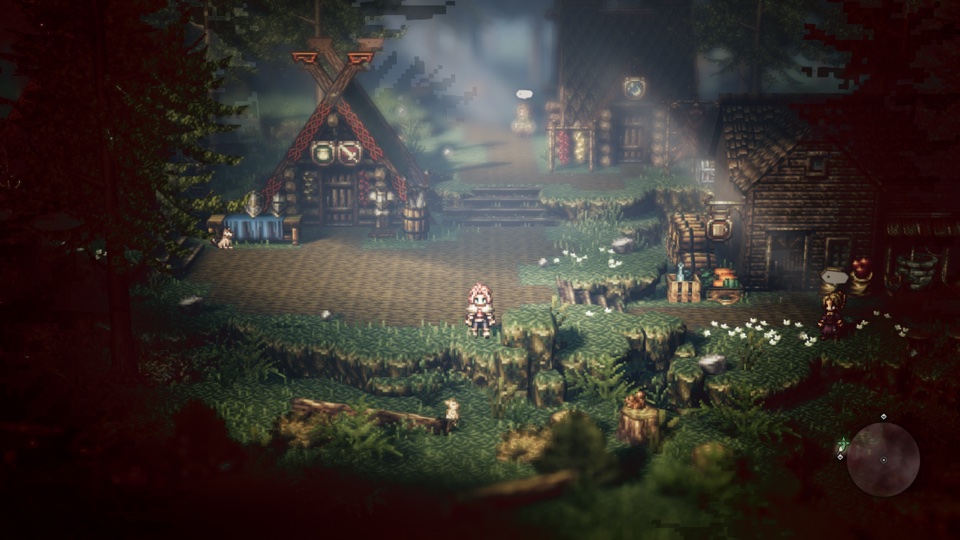
1.0.5

1.0.5
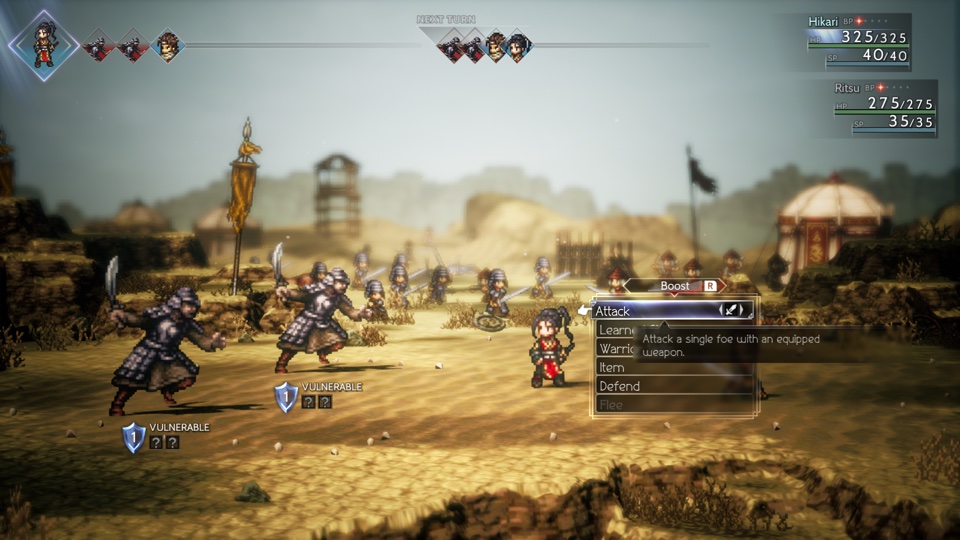
1.1.1
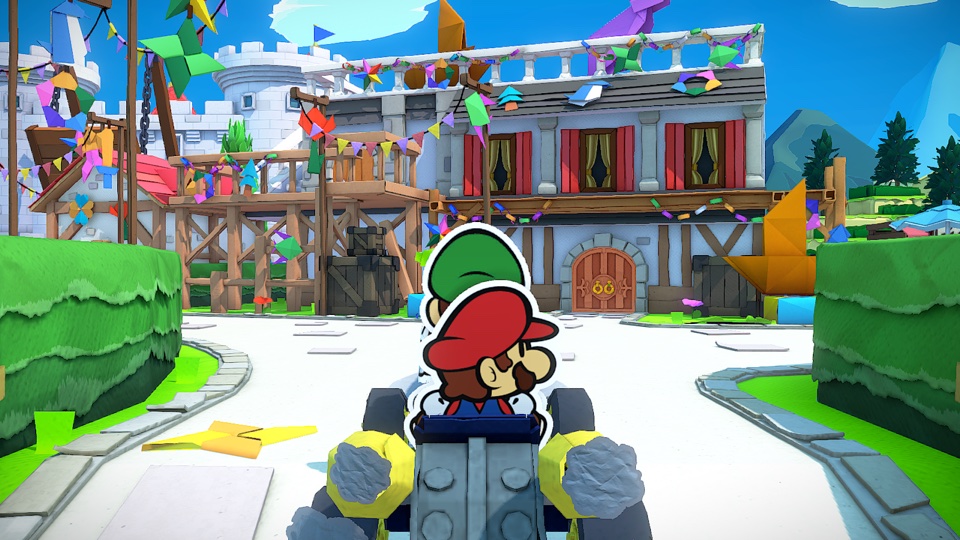
1.0.1
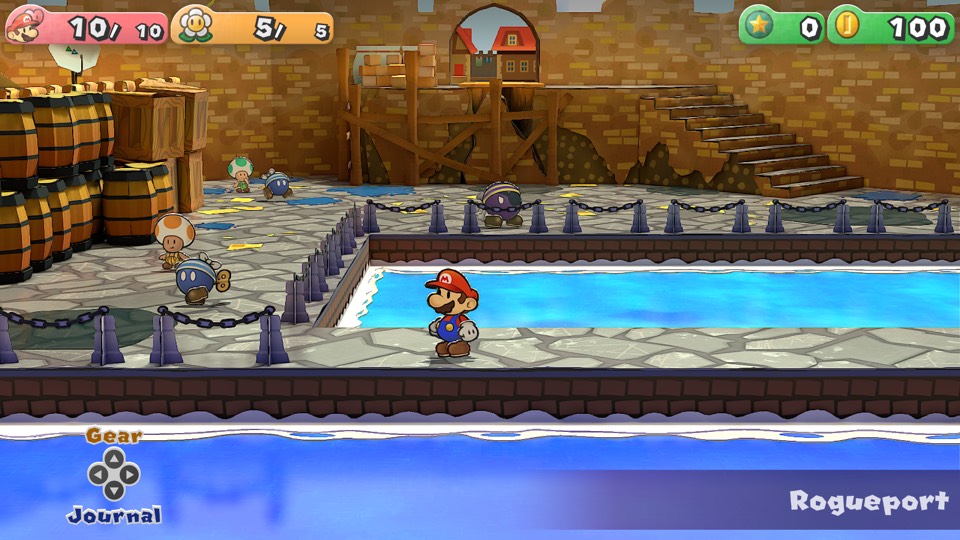
1.0.1
1.0.1

1.0.2

1.0.2
1.3.0
1.1.1

2.0.2
v655360
Switch 2 · Mac only
1.0.0

1.3.2

1.3.2
1.0.0

1.0.3

1.0.3
1.0.0

1.0.0
1.0.1

1.0.0

1.1.3
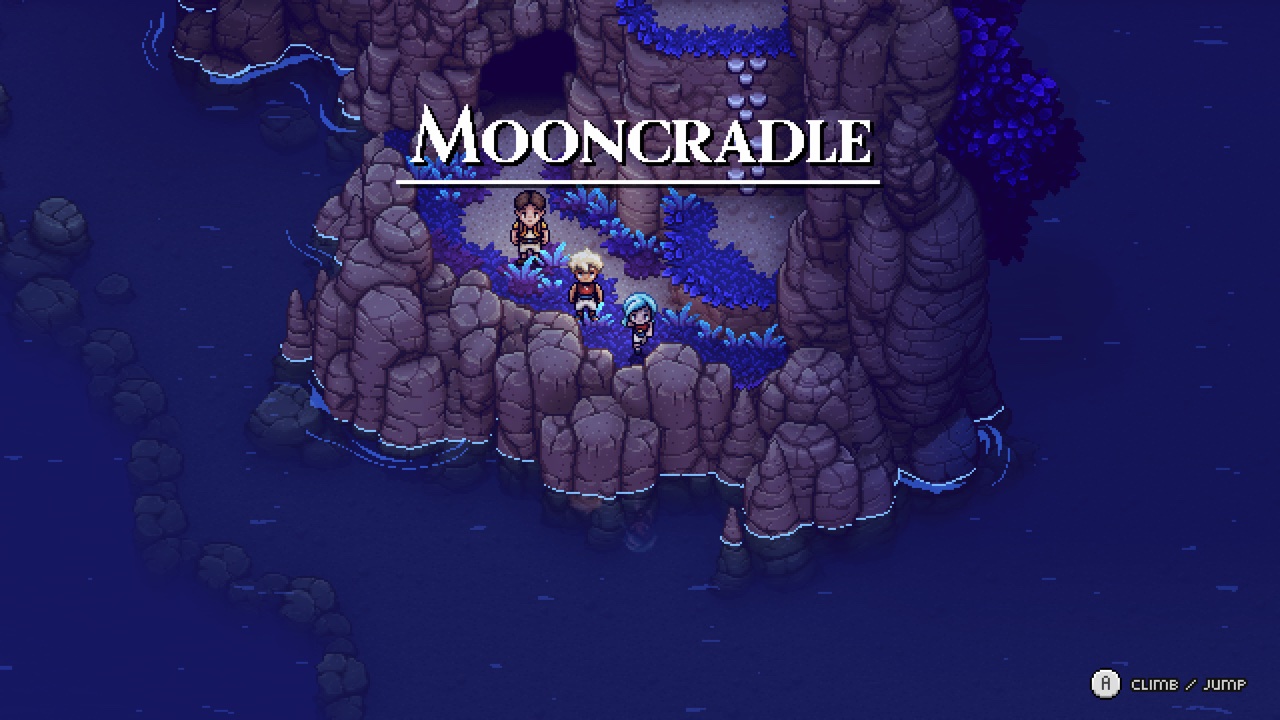
2.0.59001
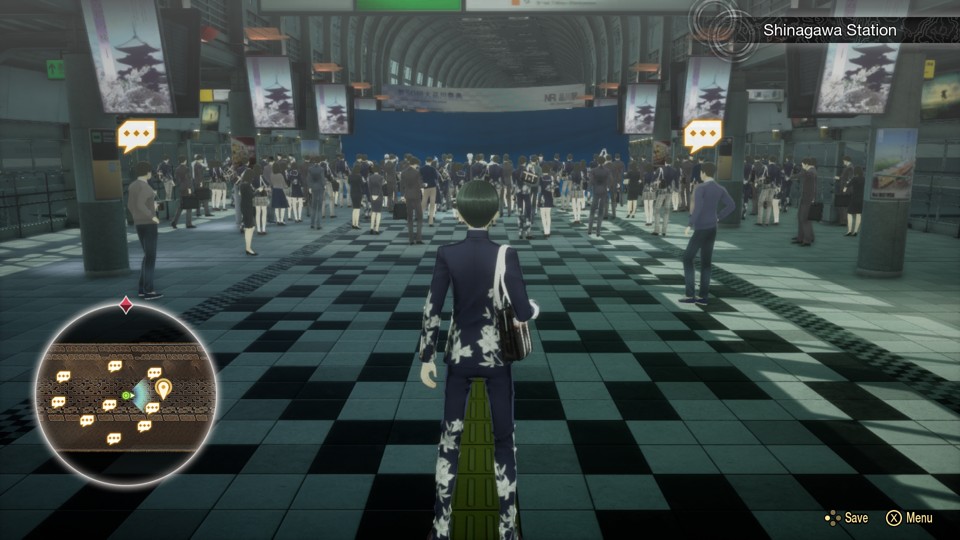
1.0.3

1.0.0
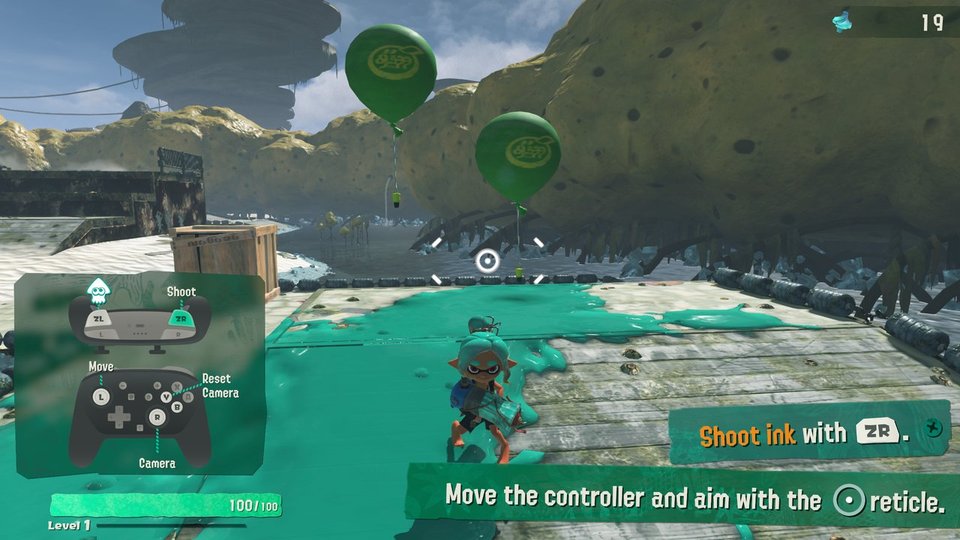
v65536
Switch 2 · Mac only

v131072
Switch 2 · Mac only
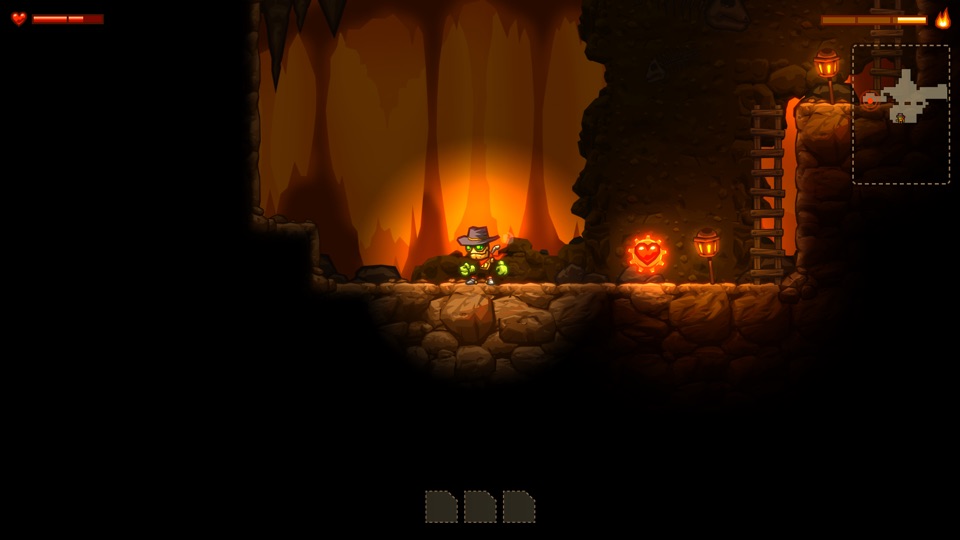
1.12.0
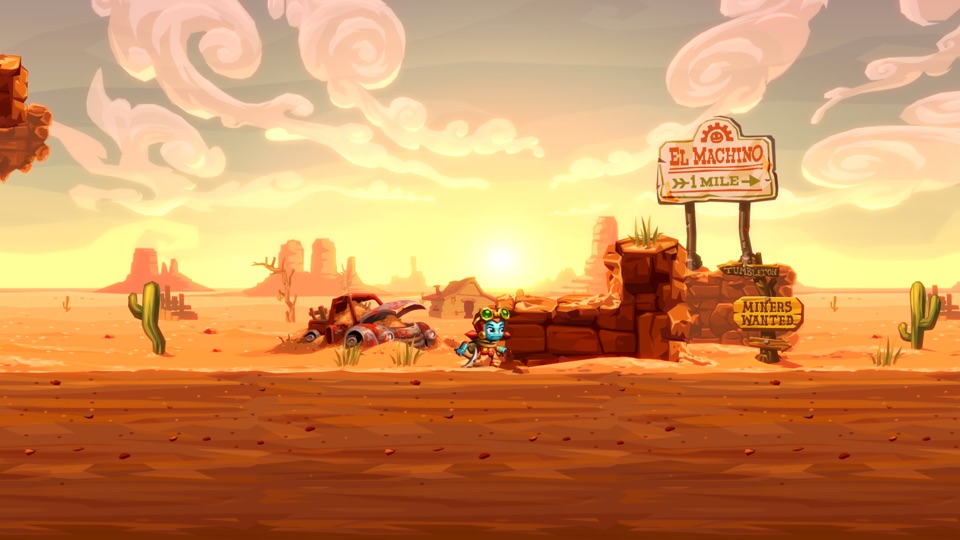
4.1.1
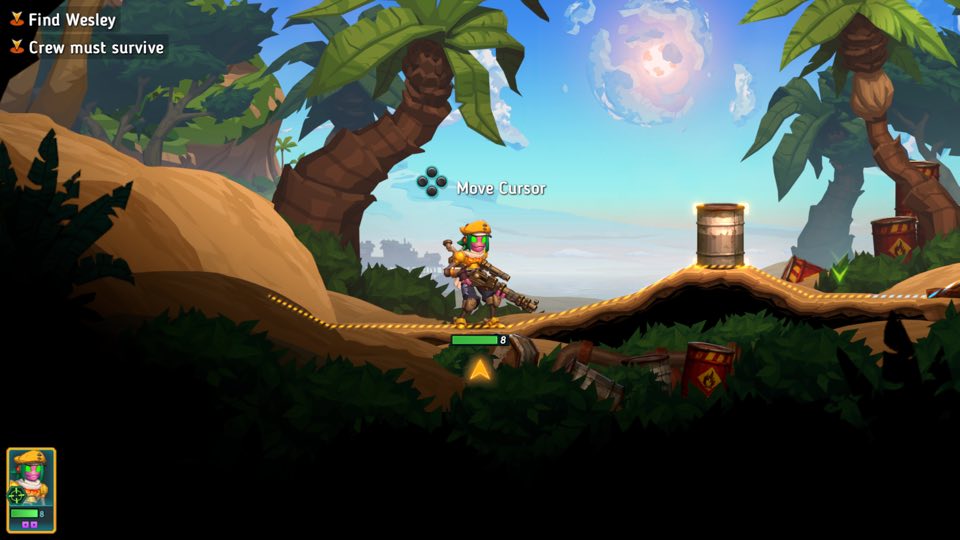
1.5.1
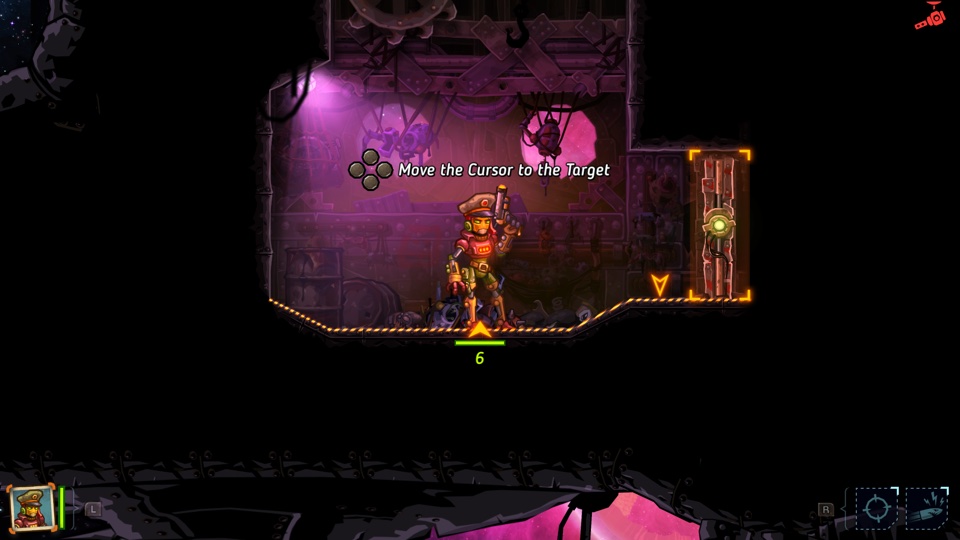
2.2.1

1.0.3
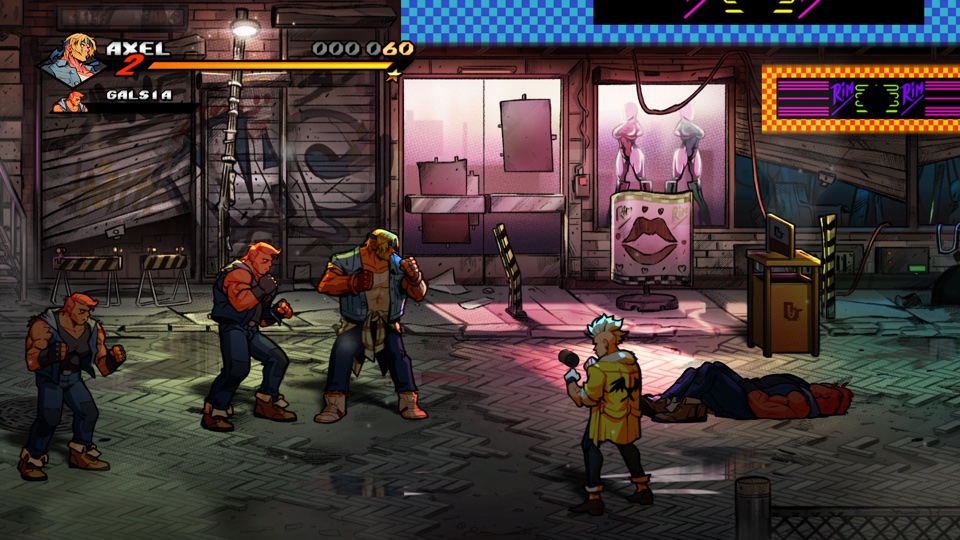
1.0.9

1.23.83358
1.23.55063
1.1.4
1.2.2
1.3.1
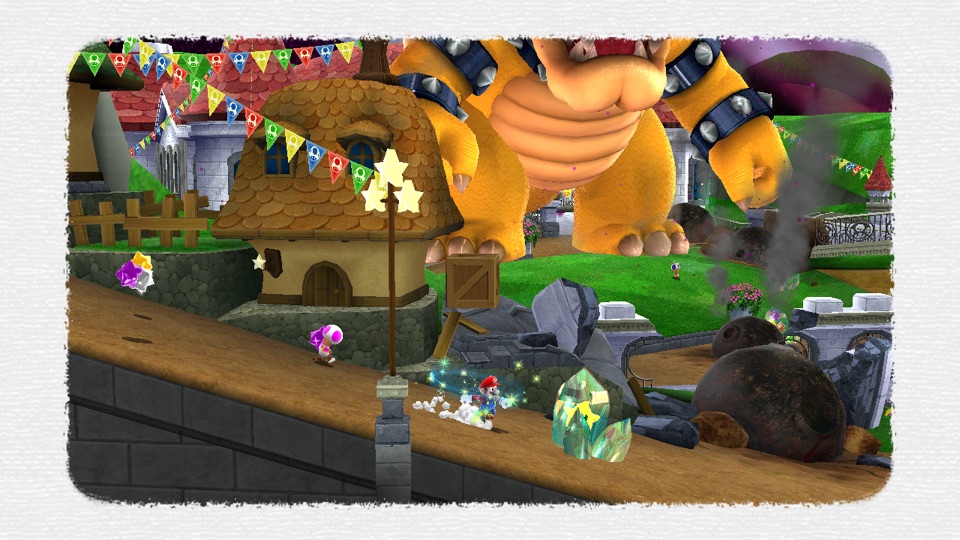
1.4.0
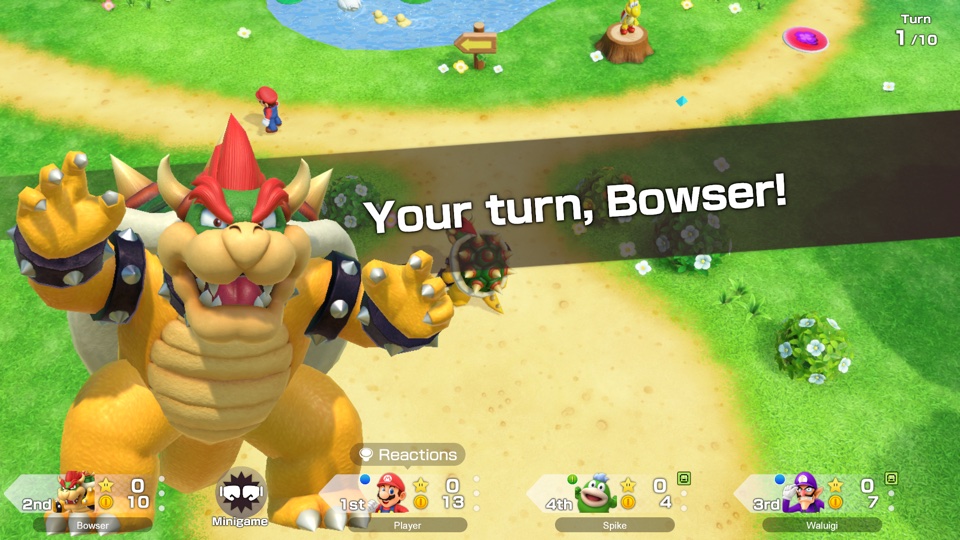
2.3.0
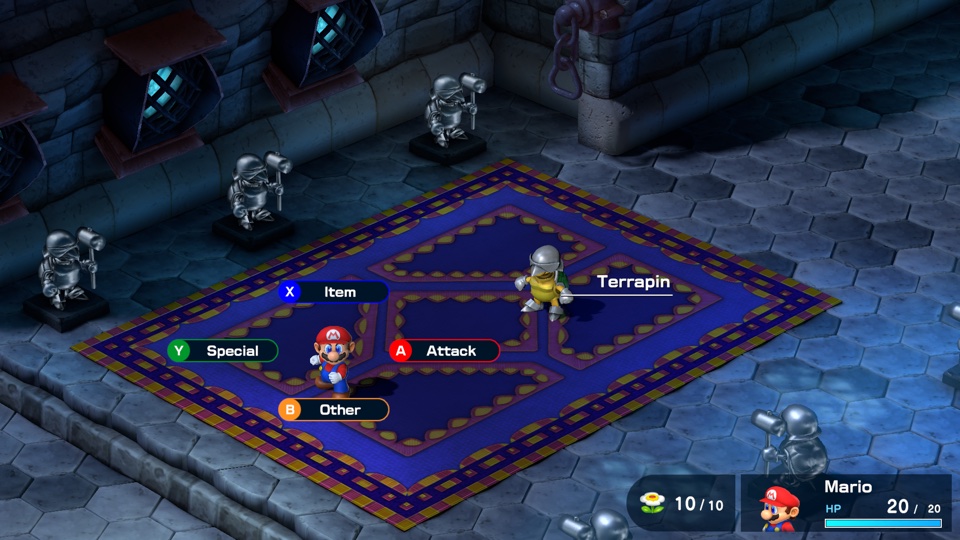
1.0.1
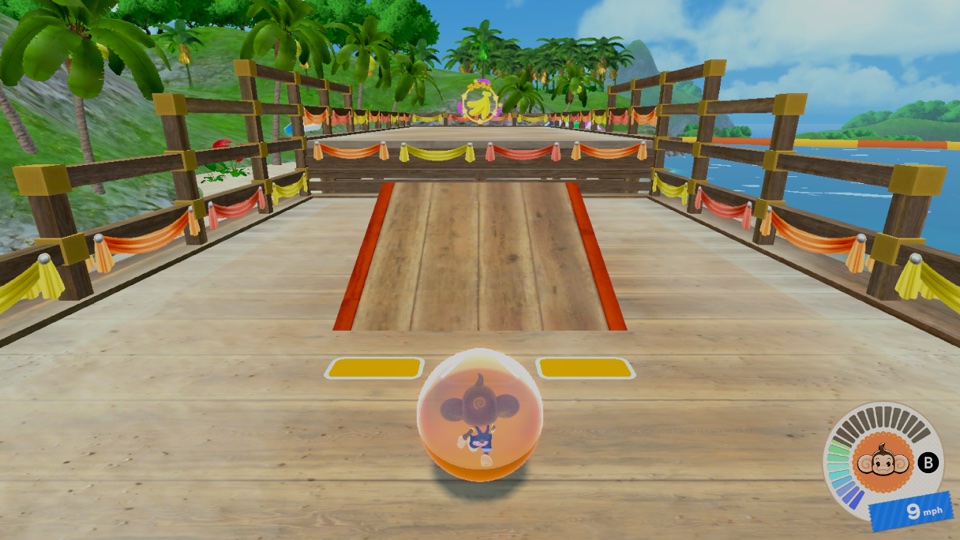
2.20
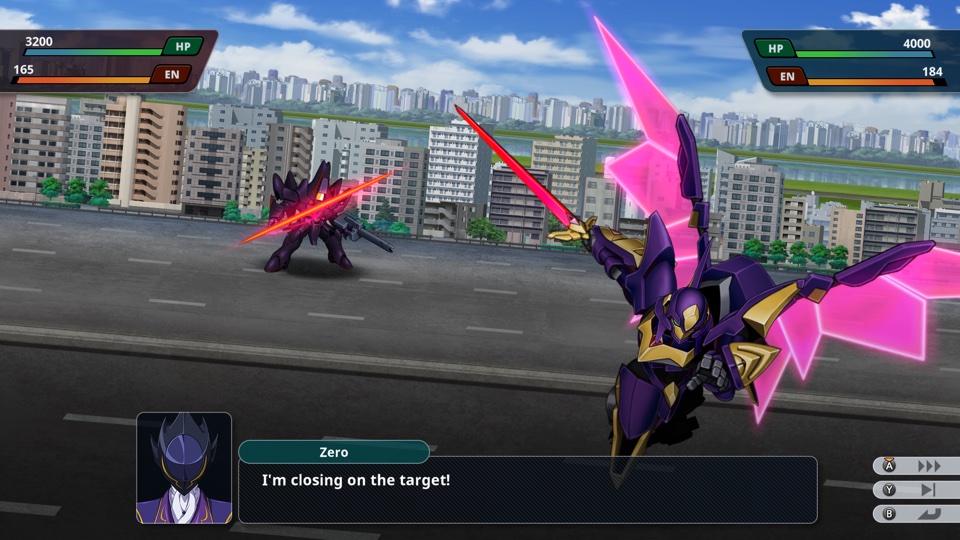
1.4.1
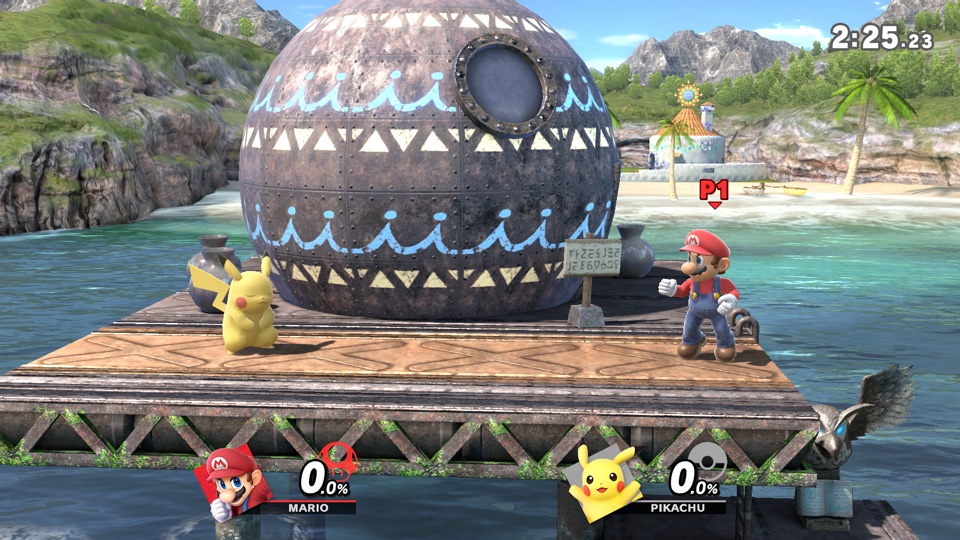
13.0.5

1.1.1
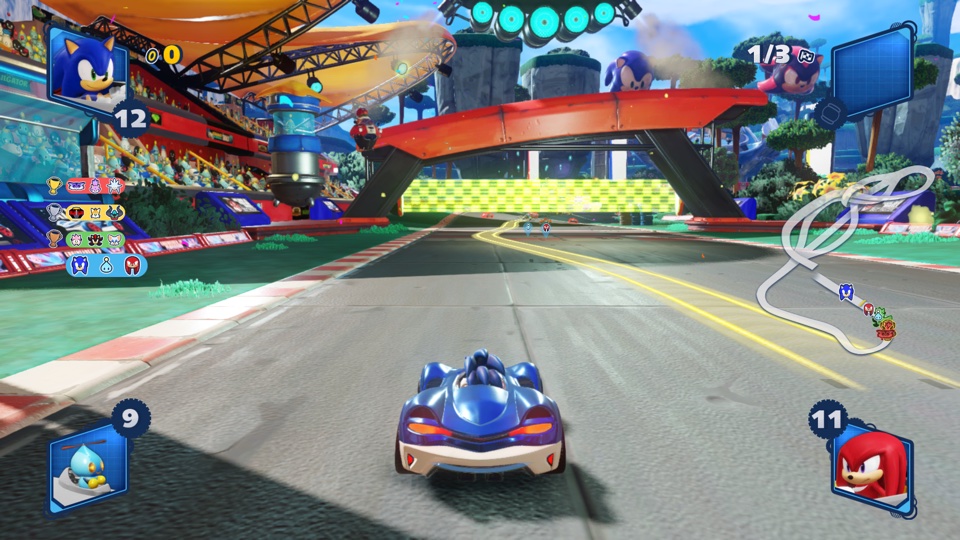
1.0.3

1.0.0
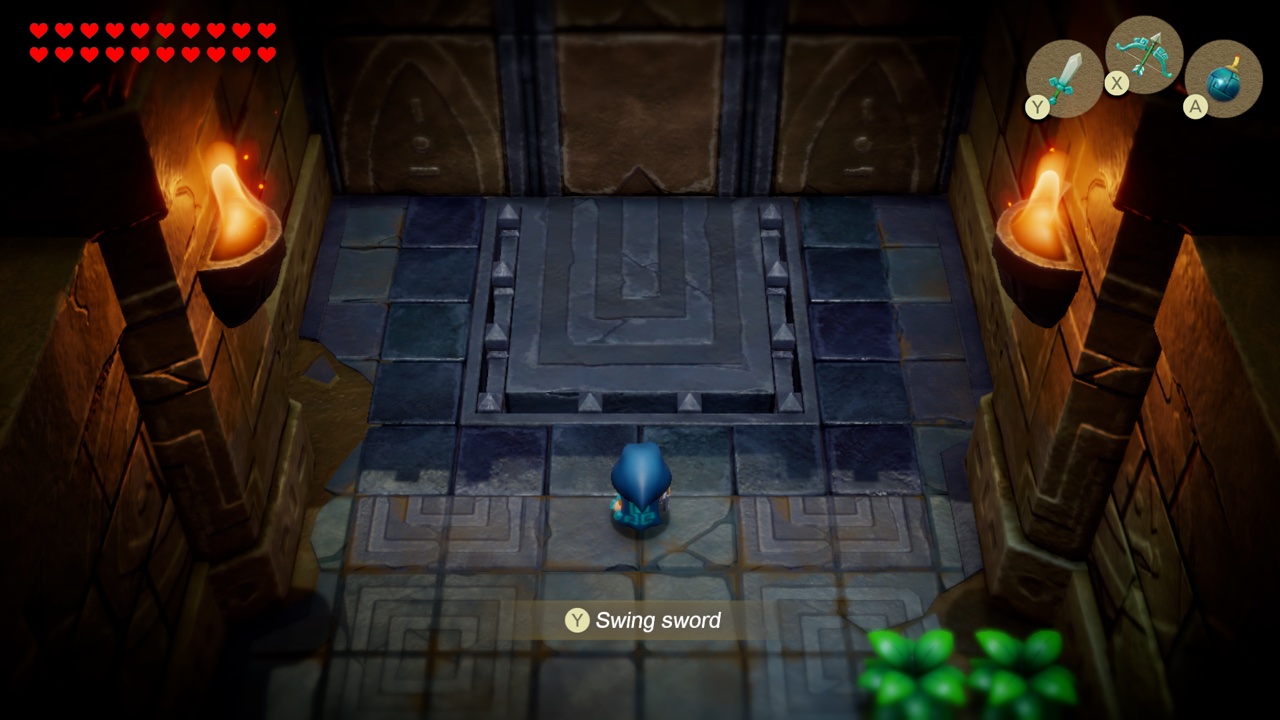
1.1.0
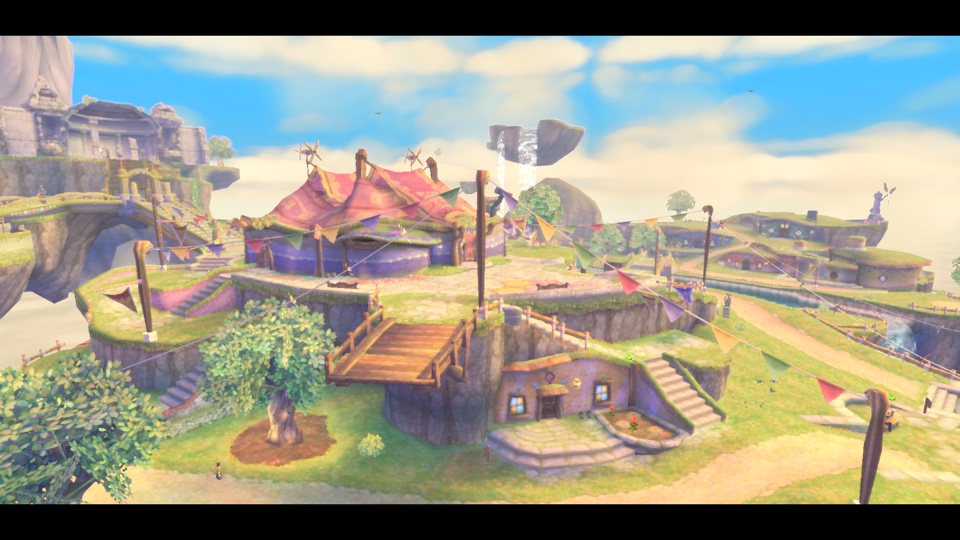
1.0.1
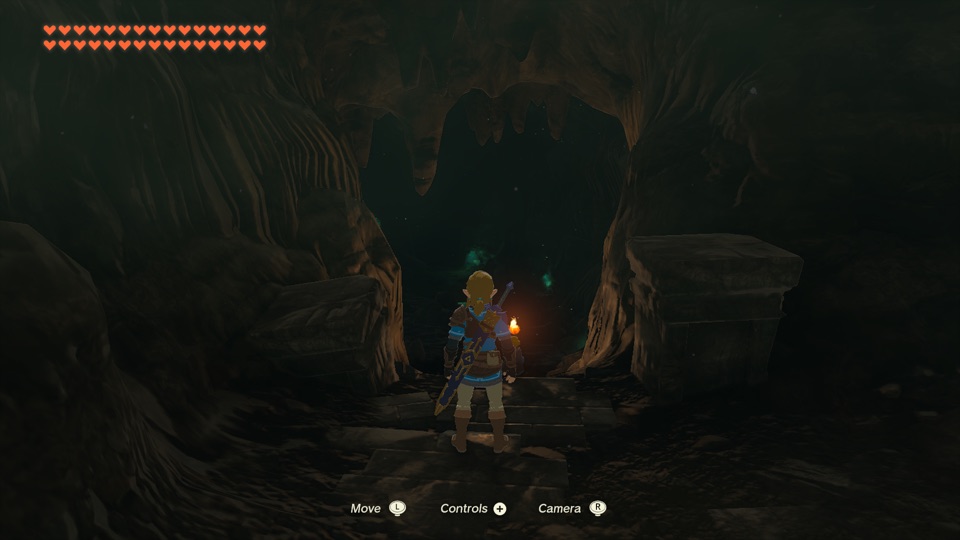
1.4.3
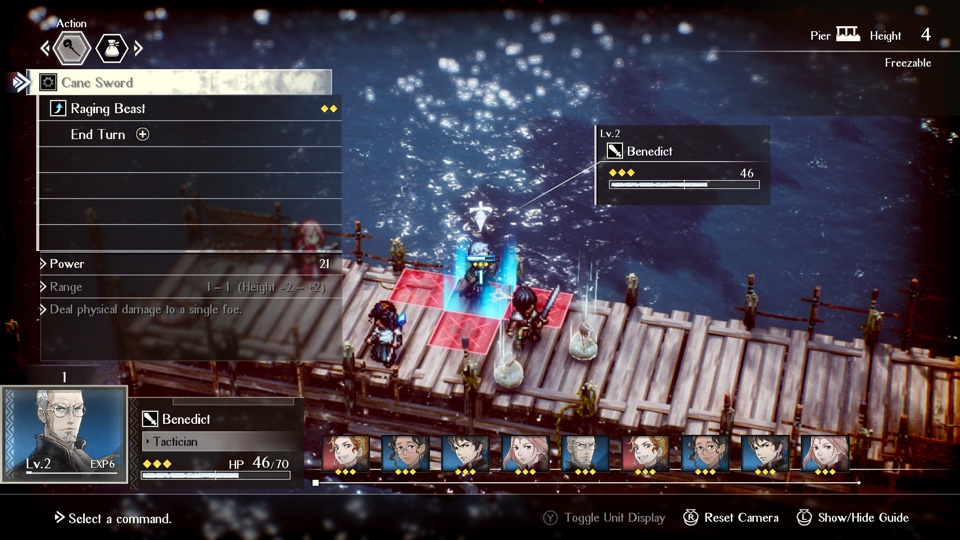
1.1.1

1.05
1.05
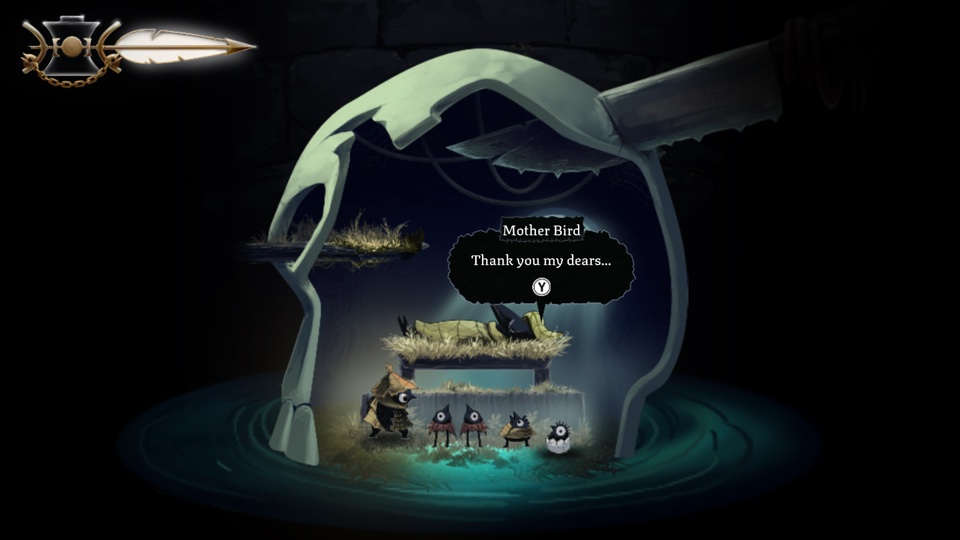
1.0.0
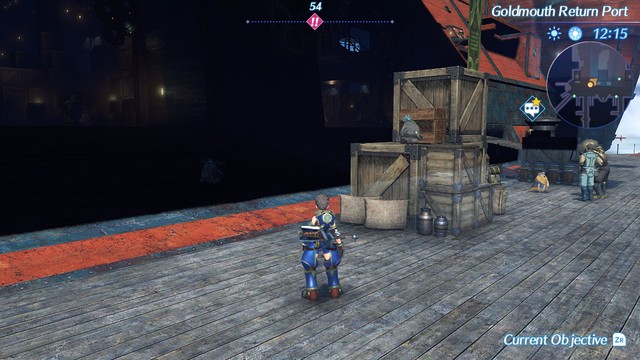
2.1.0
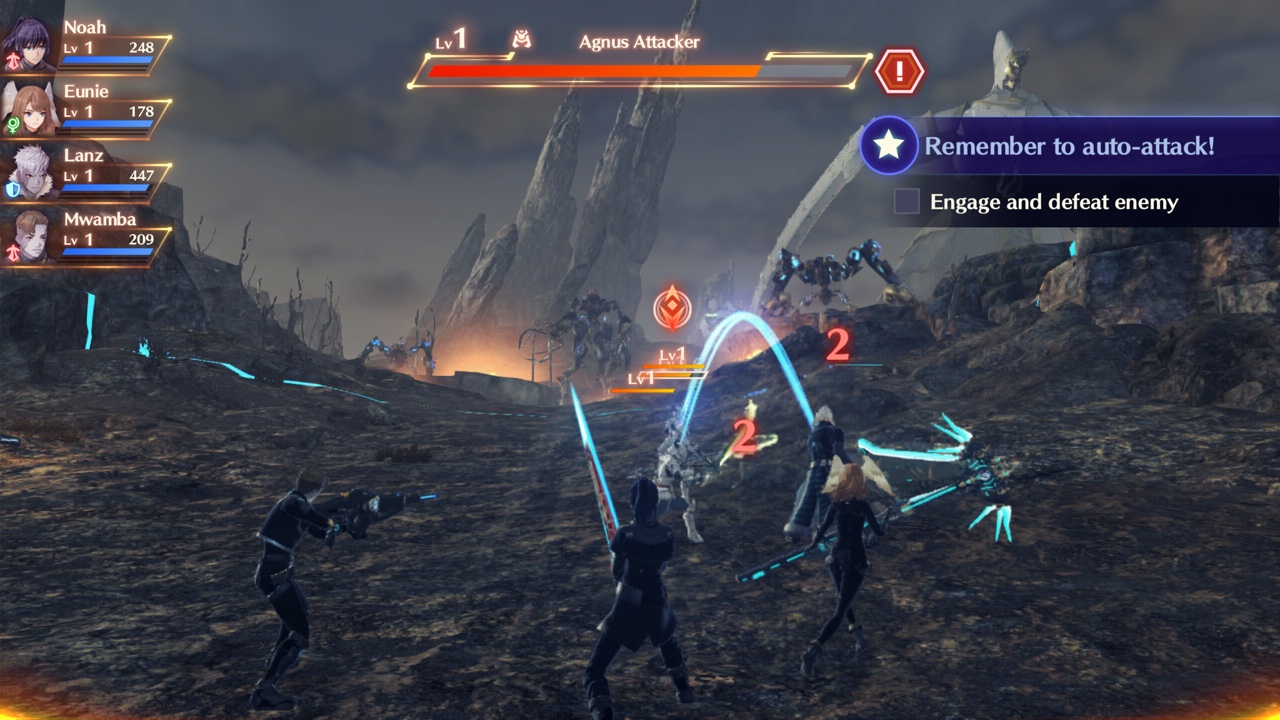
2.2.1
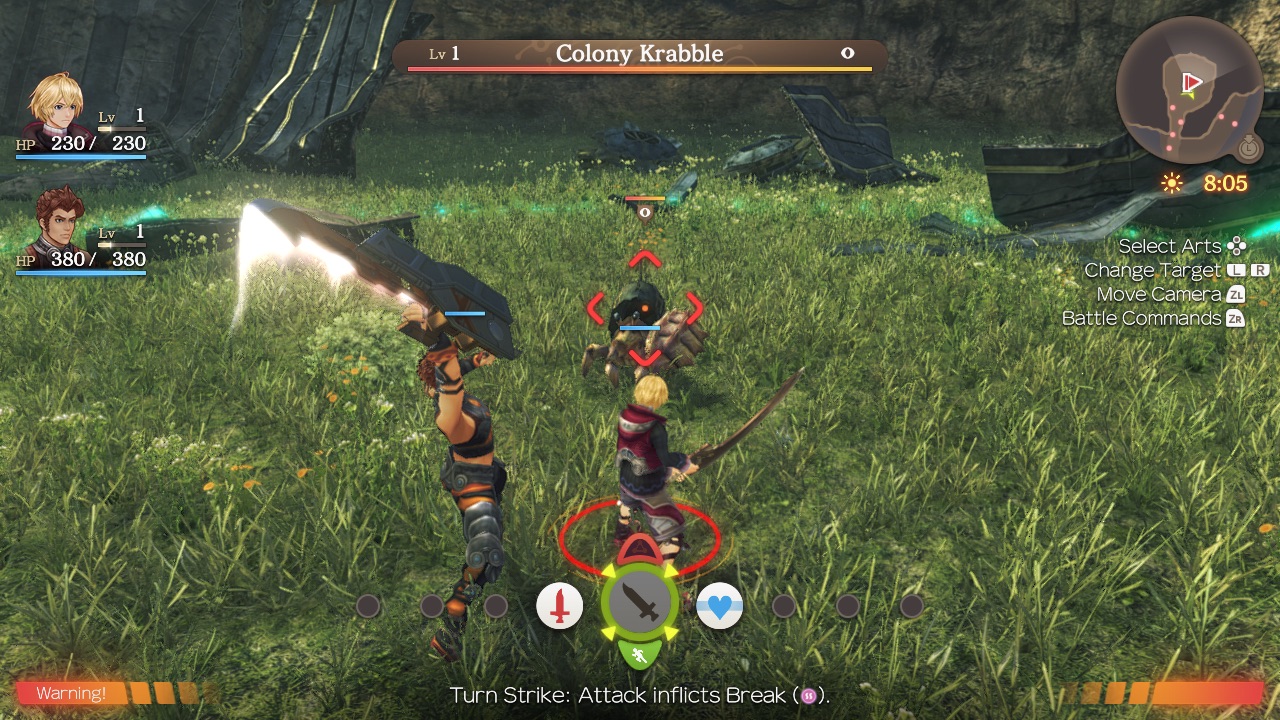
1.1.2
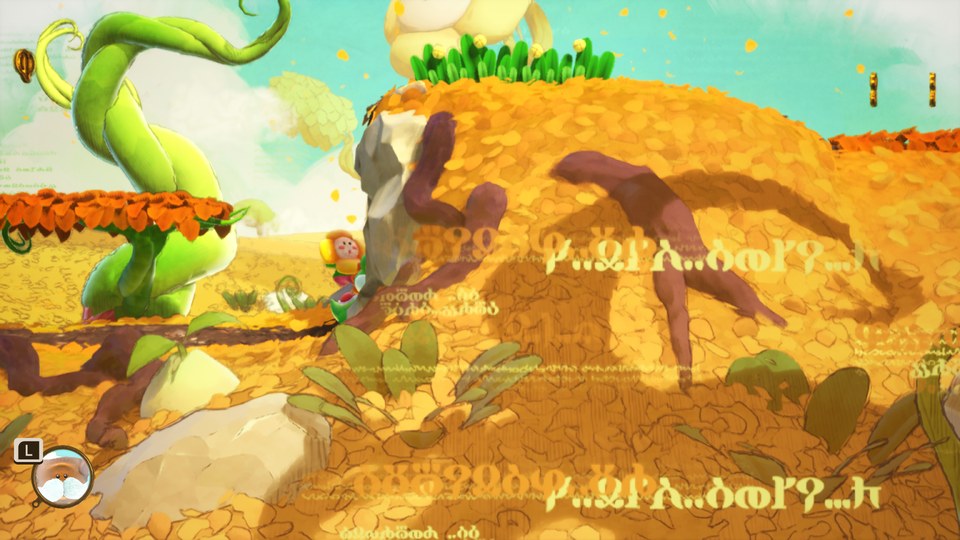
1.0.2
Switch 2 · Mac only
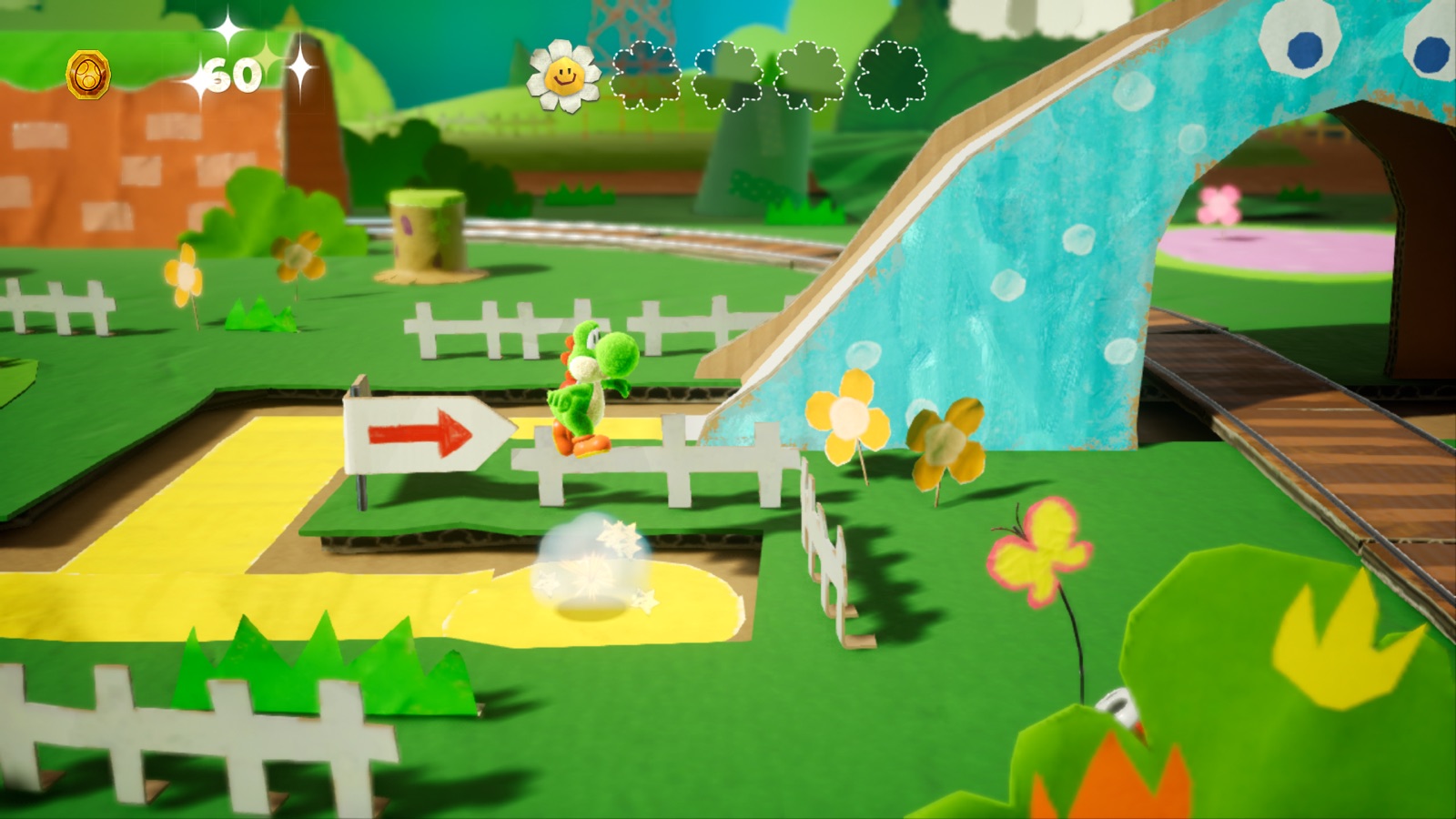
1.0.1
No matching games. Try another name or version.
FROM FILES TO FIRST FRAME
Choose its folder and your prod.keys file. See the real game name, version and updates before compiling.
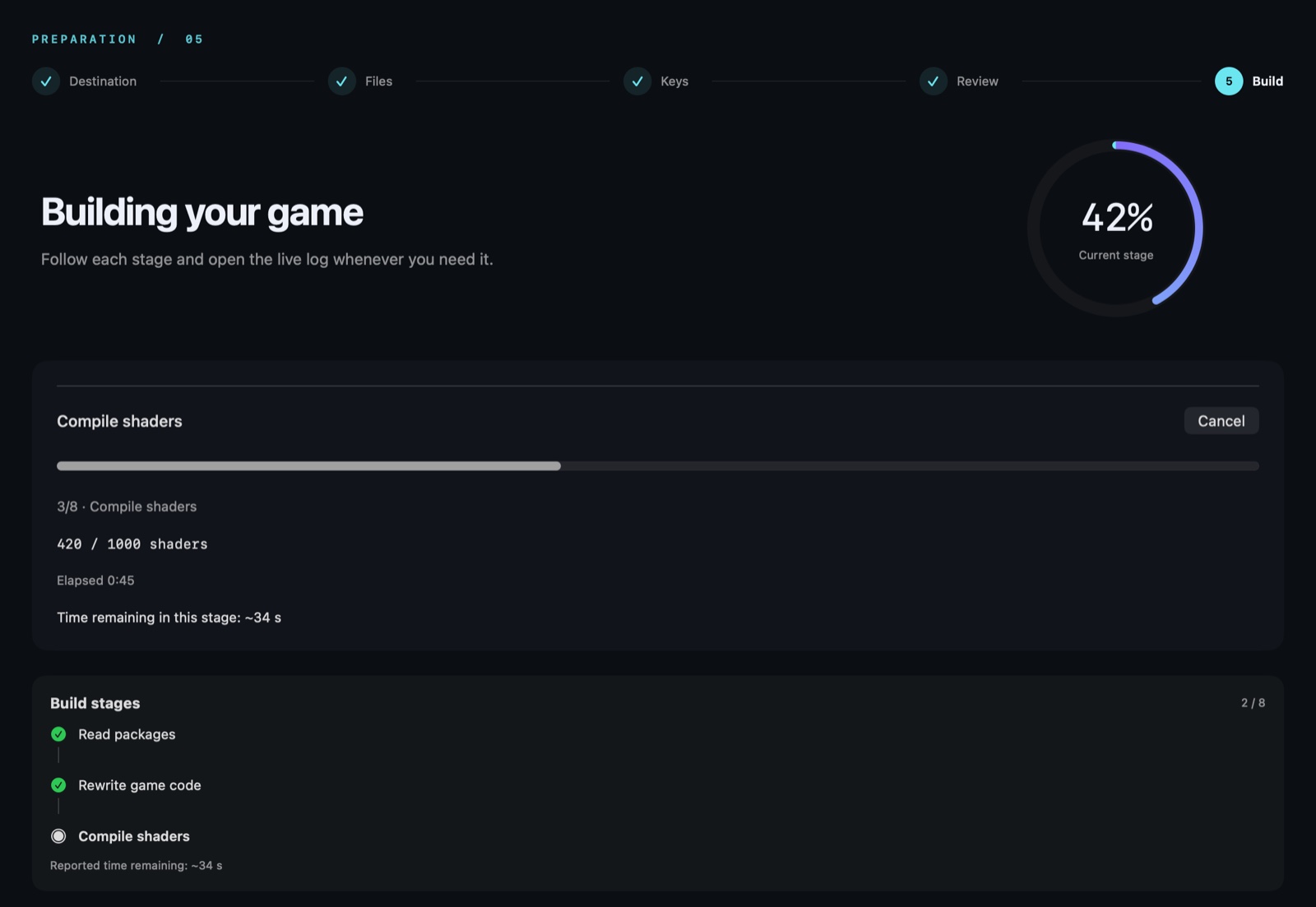
Clear stages, real counters and live logs show what’s happening as Xcode builds your game.
Get a complete Mac app, with the game data included. Launch it from your library.
Choose your game and keys. Pick a lightweight IPA with separate data, or include the data inside.
Follow the live build progress. Connect your iPhone or iPad and review the destination.
Use your Apple account and follow the installation steps. The app guides signing and data transfer.
An Apple silicon Mac (M1 or newer), macOS 26.6+ and Xcode 27.1 installed and opened once. The downloaded nxnative Easy app is already compiled and includes its tools. You supply your own game files and prod.keys.
iOS/iPadOS 26 or later, an iPhone with A17 Pro or newer, or an iPad with M1 or newer. Check each game’s notes for its tested devices and versions.
Yes. nxnative Easy is free to download. You provide your games and keys. Signing uses your own Apple account; account limits and signature expiry depend on Apple.
The app is ad-hoc signed, not notarized with a paid Developer ID. For this download, go to System Settings → Privacy & Security → Open Anyway.
Use Update now when an app release appears. Your games and saves stay in place. To apply a new engine or game update, prepare the game again. On iOS, keep the same Apple team and app identity and install over the existing game; do not uninstall it first.
The current runtime supports offline play. Nintendo online services and LAN/netplay are not available. Local multiplayer on one Mac depends on the game.
YOUR NEXT ADVENTURE STARTS HERE
Download. Add your game. Choose your screen.
Download for MacFree download · Apple silicon · macOS 26.6+
Check the requirements ↗